For architects
Your concept sketch,rendered for the client.
For practices presenting concepts to clients. Upload a hand sketch, a massing model screenshot or an exported model, and say the materials and the light. A photoreal render comes back in about 20 seconds, with the massing, openings and proportions you drew.
Free renders carry a watermark
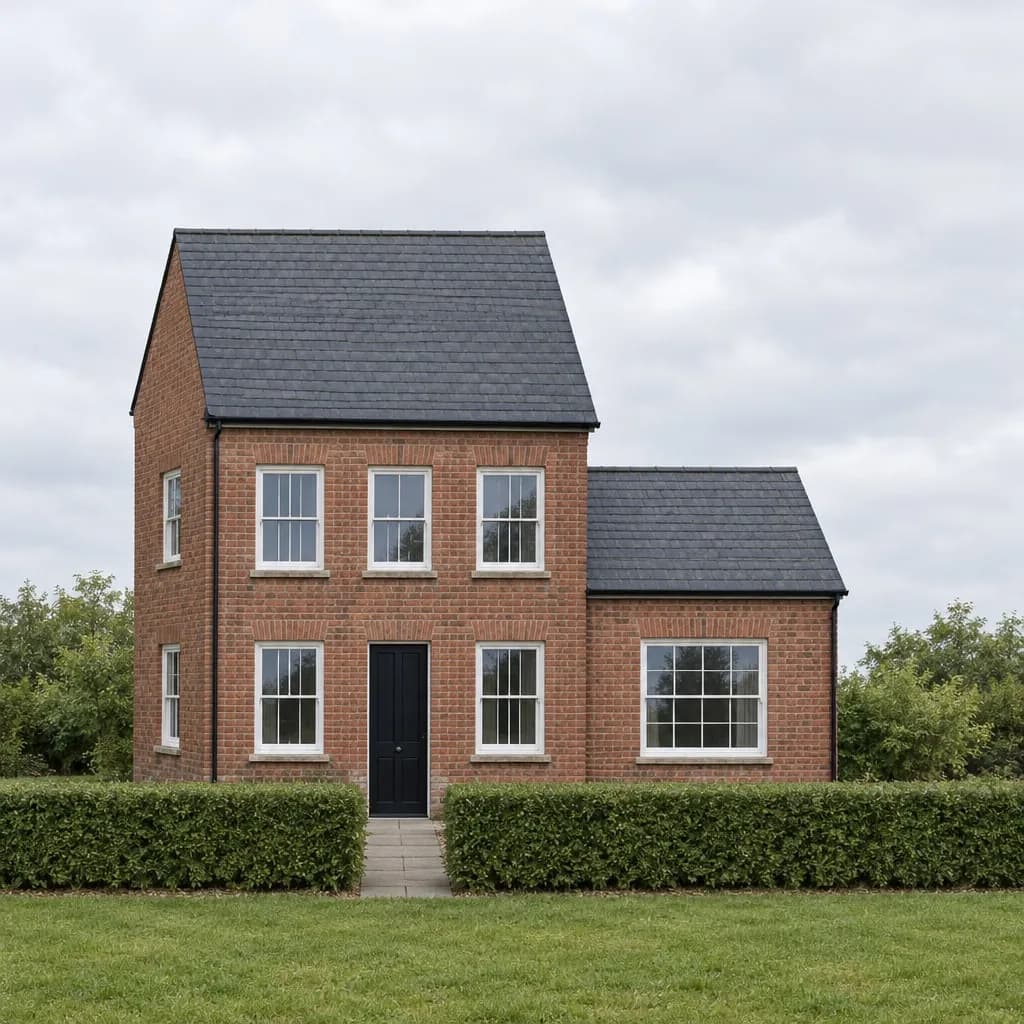 Render
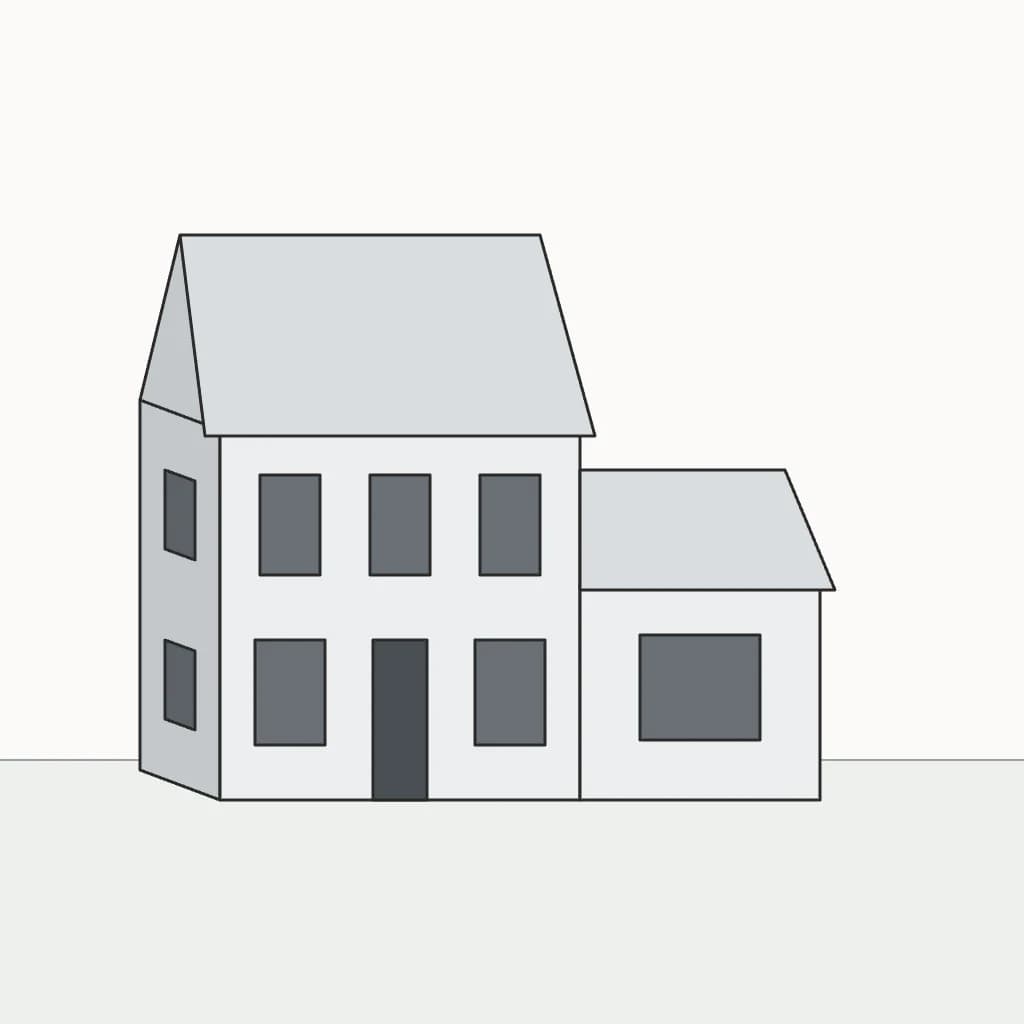 Model view
More made in Inkfinish
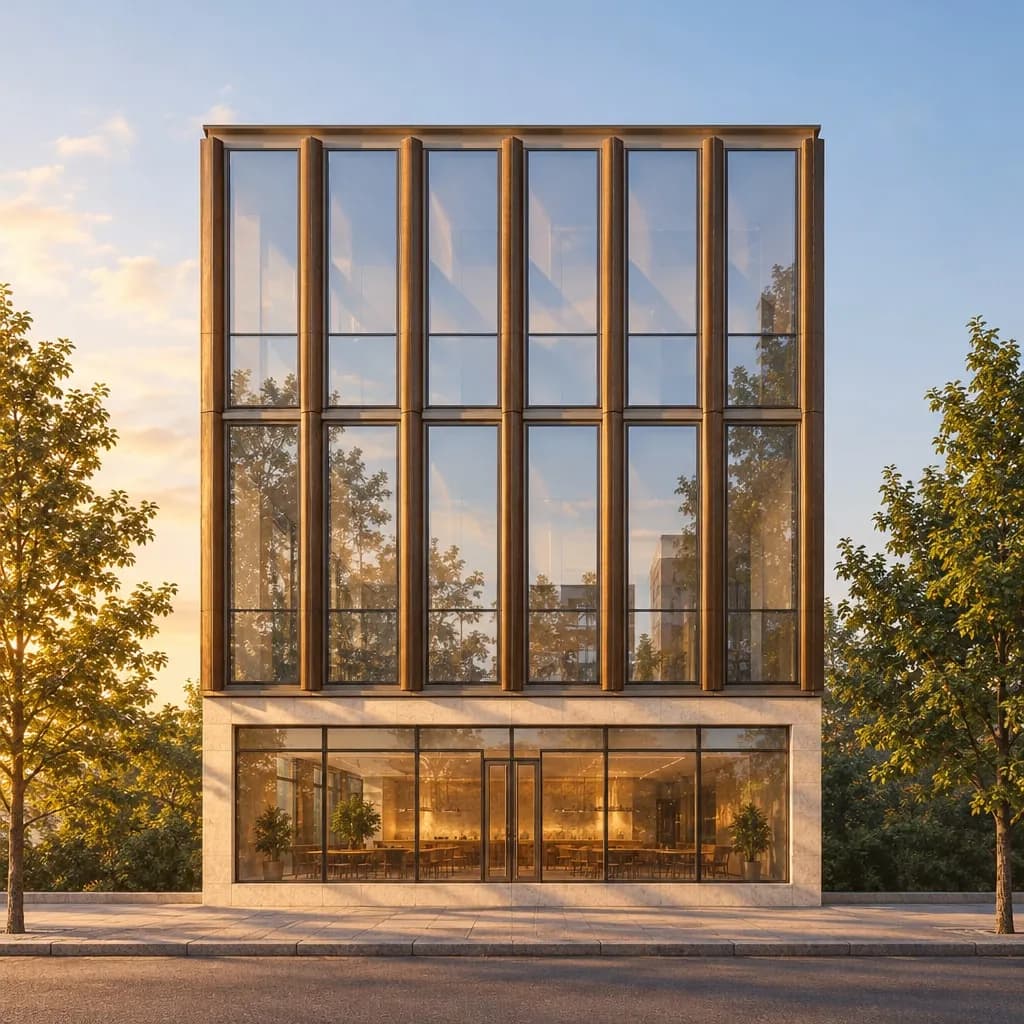 Render
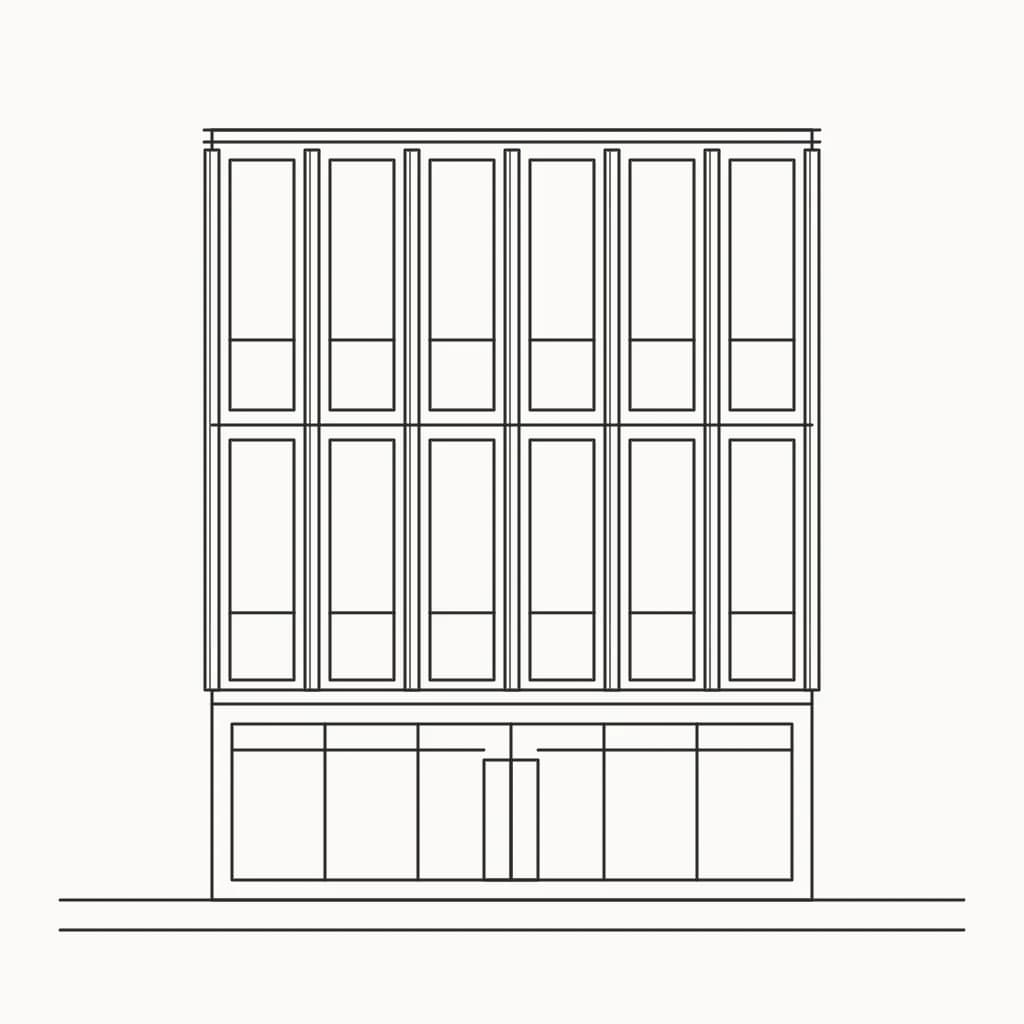 Sketch
A façade from an elevation sketchGlass, bronze fins and a stone base, at golden hour. 97% of the sketch's lines kept. 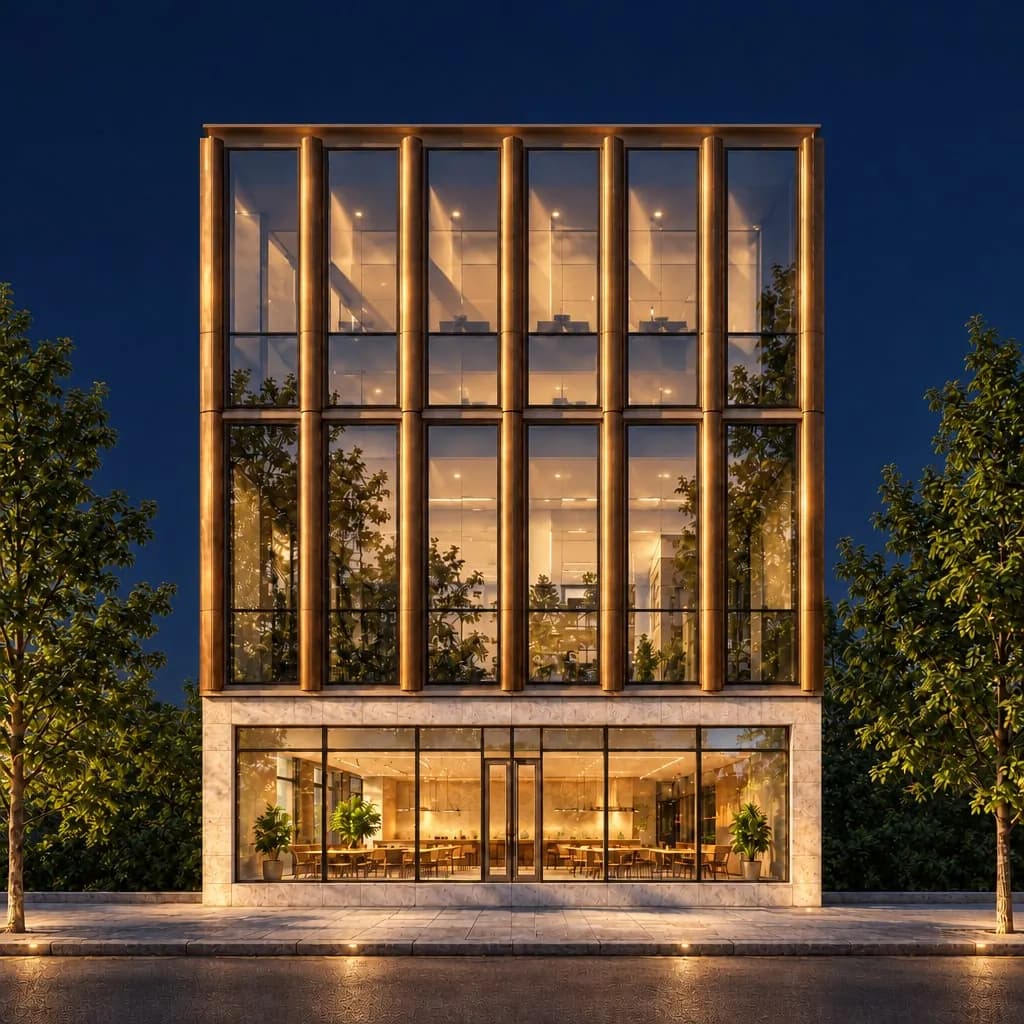 Night
Night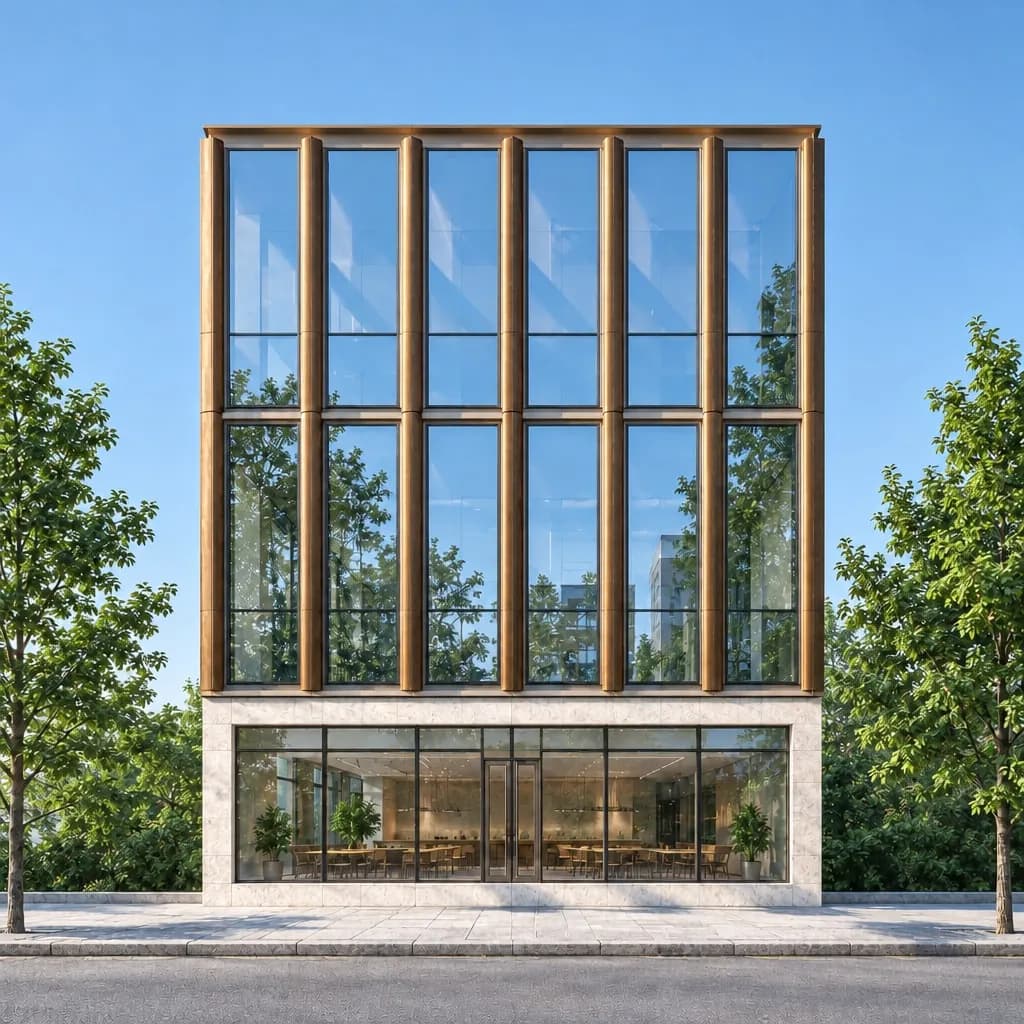 Day
DayDay and night for the same reviewOne follow-up message changes the light and keeps the building. Paid plans can download any render in 4K for boards. 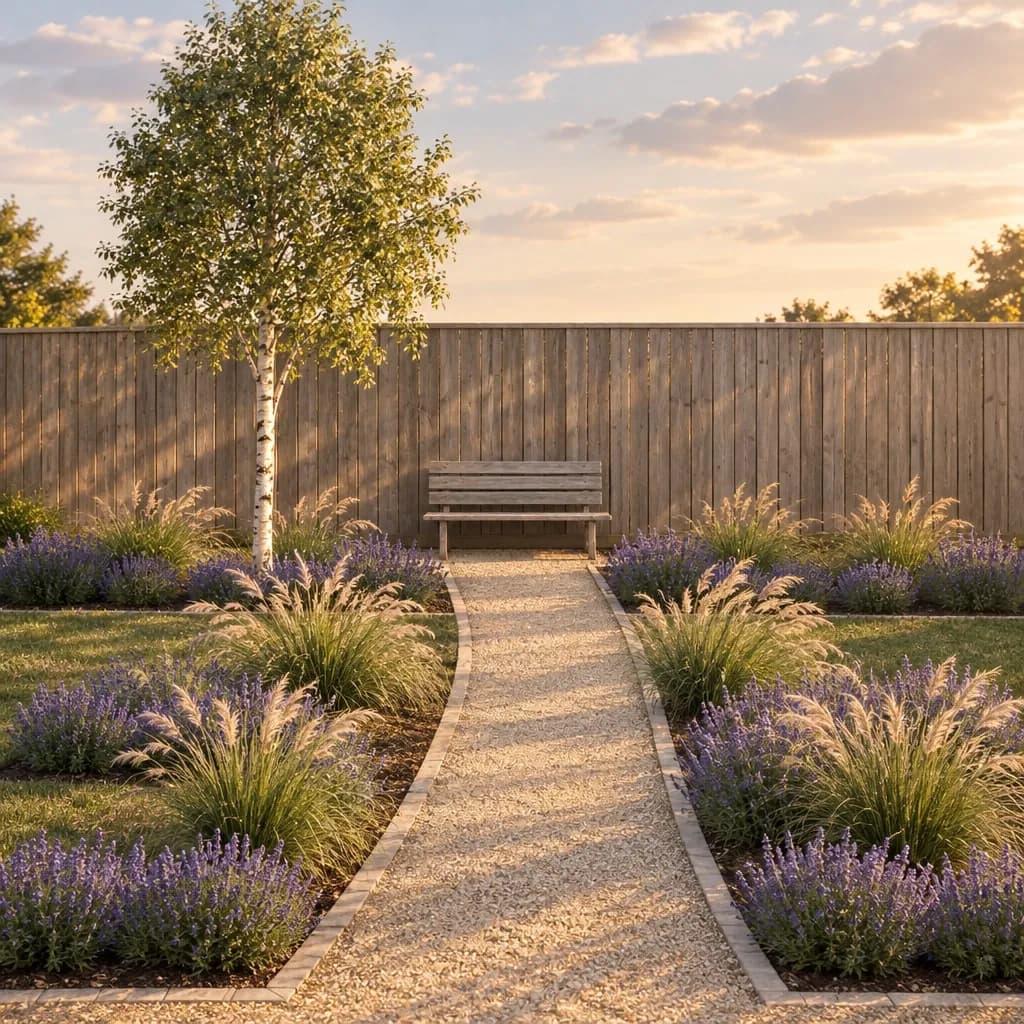 Render
 Sketch
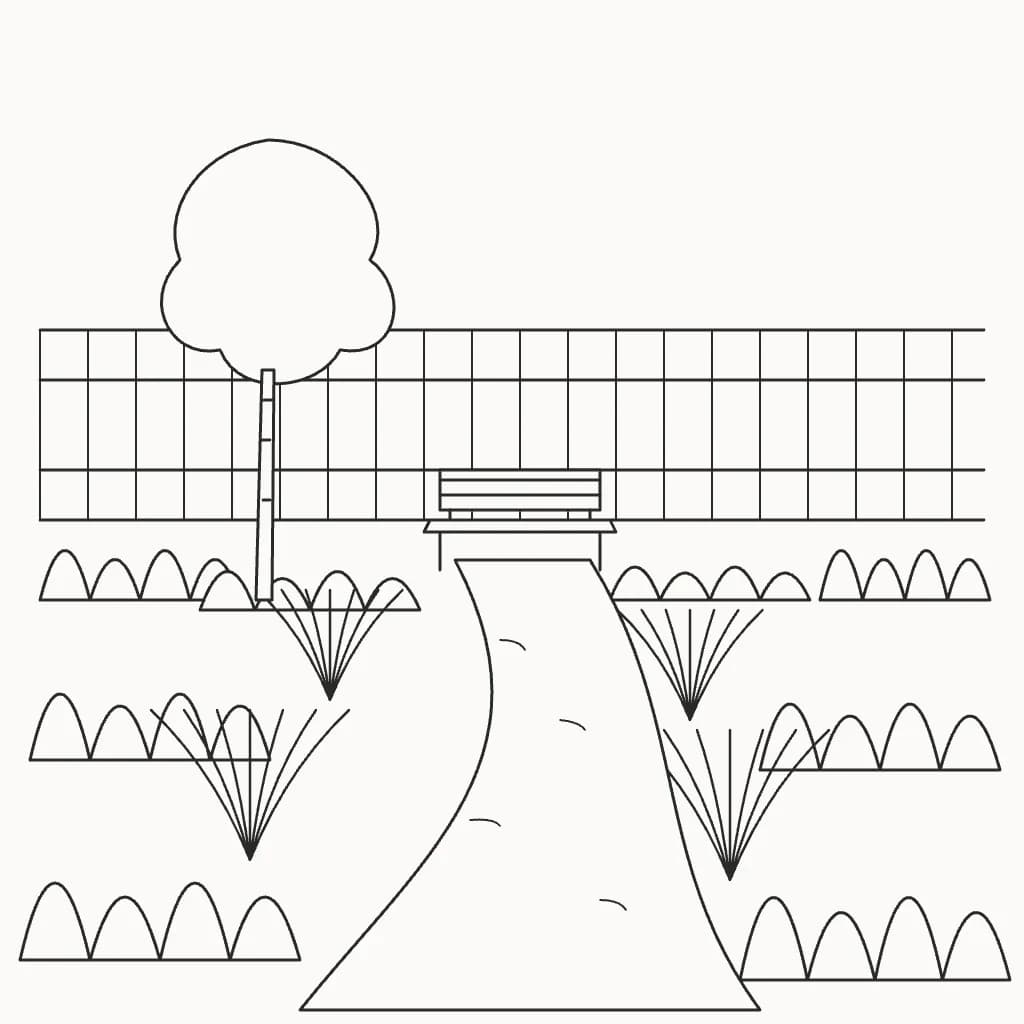
Landscape from a garden sketchGravel path, lavender and a silver birch in late sun. 98% of the sketch's lines kept.
Made for how you work
Keeps what you designed
Each render shows the share of your sketch lines it kept, and marks any it lost, so you can show it to a client with confidence.
Change one part, keep the rest
Mark the cladding, the glazing or the landscape and say what it should be. Only that area is redrawn.
Options for every design review
Show the same view at day, dusk, night or overcast with Lighting, or try timber against render as a follow-up. Every version is kept, and paid plans download any of them in 4K for presentation boards.
What you can start from
Hand sketches, screenshots from SketchUp, Revit, Rhino or Archicad, and exported models. Images as PNG, JPEG or WebP; 3D models as GLB, glTF, OBJ, FBX, STL, 3MF, or DAE, turned to the view you want in the browser. No plugin to install.
Plans for working practices
- Standard $15/month, 160 renders, no watermark
- Pro $45/month, 600 renders, no watermark
Sign in with a Google account and your first 3 renders are free. Cancel any time. See pricing
Try it on your own work
How it works
1
Add what you have
A photo of a hand sketch, a screenshot of a 3D model, or a snapshot of the real thing. No image? Start from a description.
2
Say what you want
Plain words are enough: materials, time of day, setting. We turn them into a full brief for the image model.
3
Get the render
Your shapes and proportions stay put. Materials, light, and surroundings are filled in around them.