For interior designers
Your room sketch,rendered for the client.
For designers presenting concepts to clients. Upload a room sketch, a SketchUp view or a photo of the space, and name the finishes, furniture and light. A photoreal interior comes back in about 20 seconds, with your layout where you put it.
Free renders carry a watermark
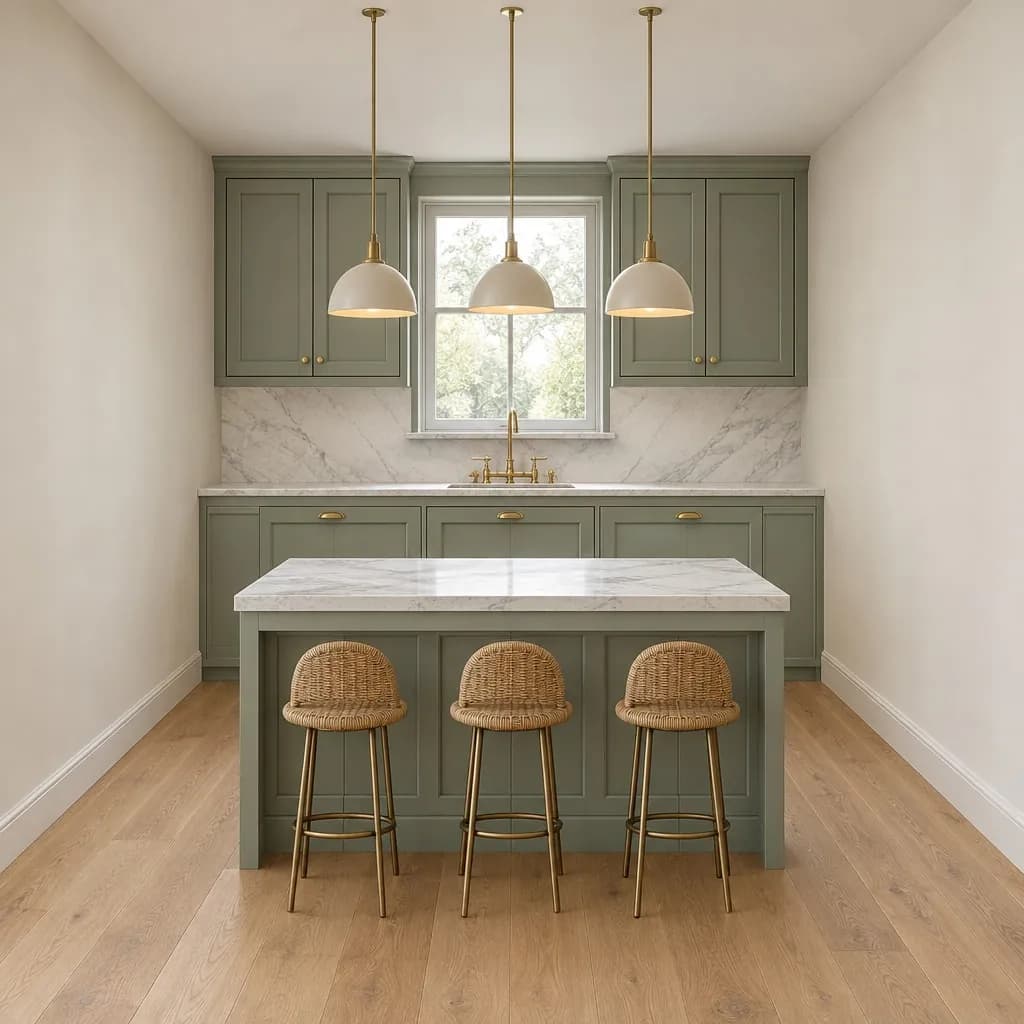 Render
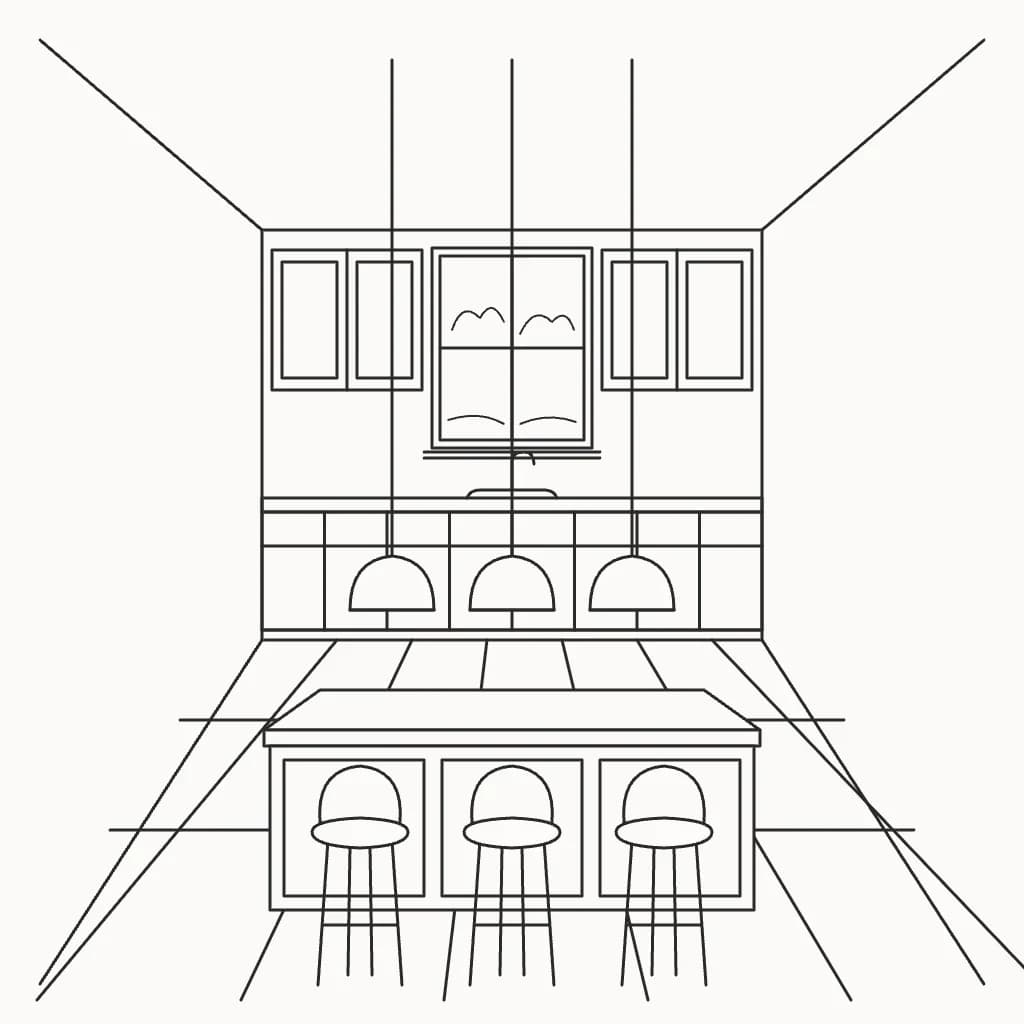 Sketch
More made in Inkfinish
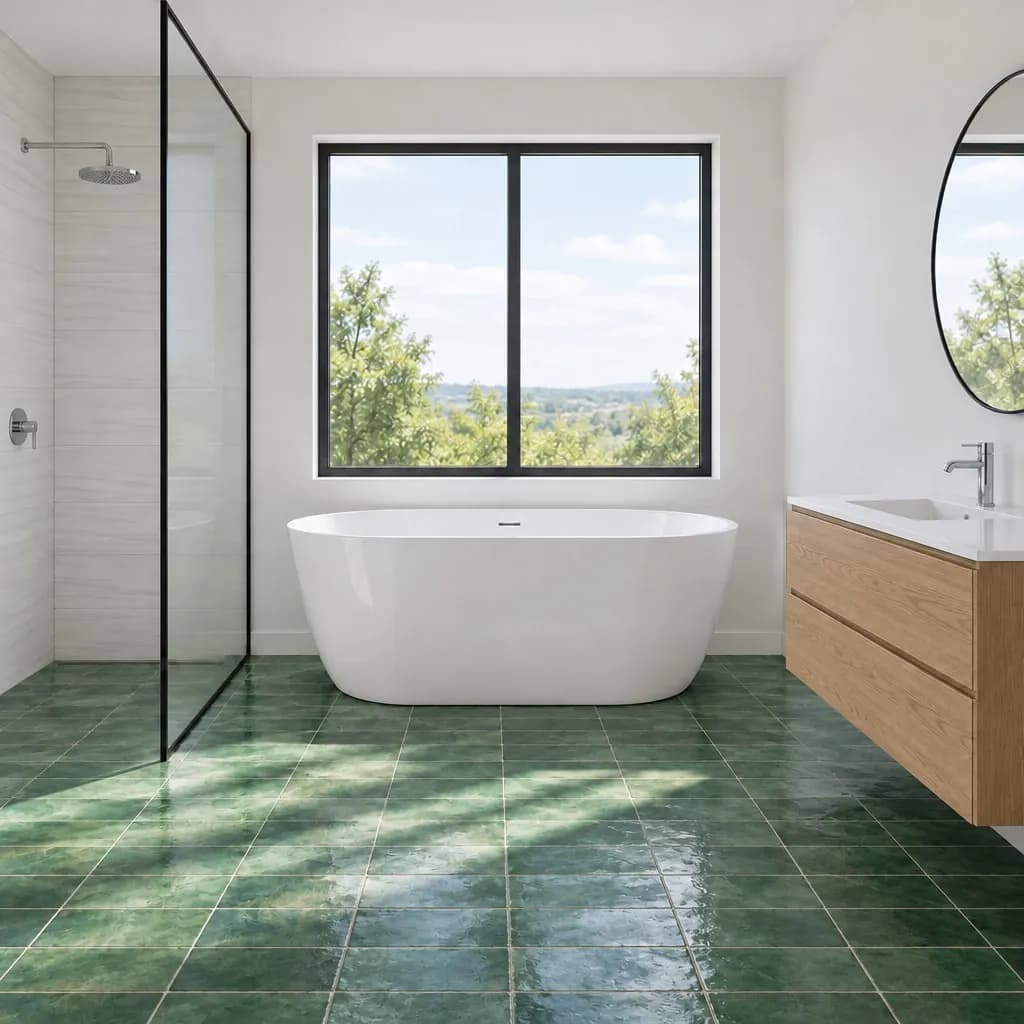 New floor
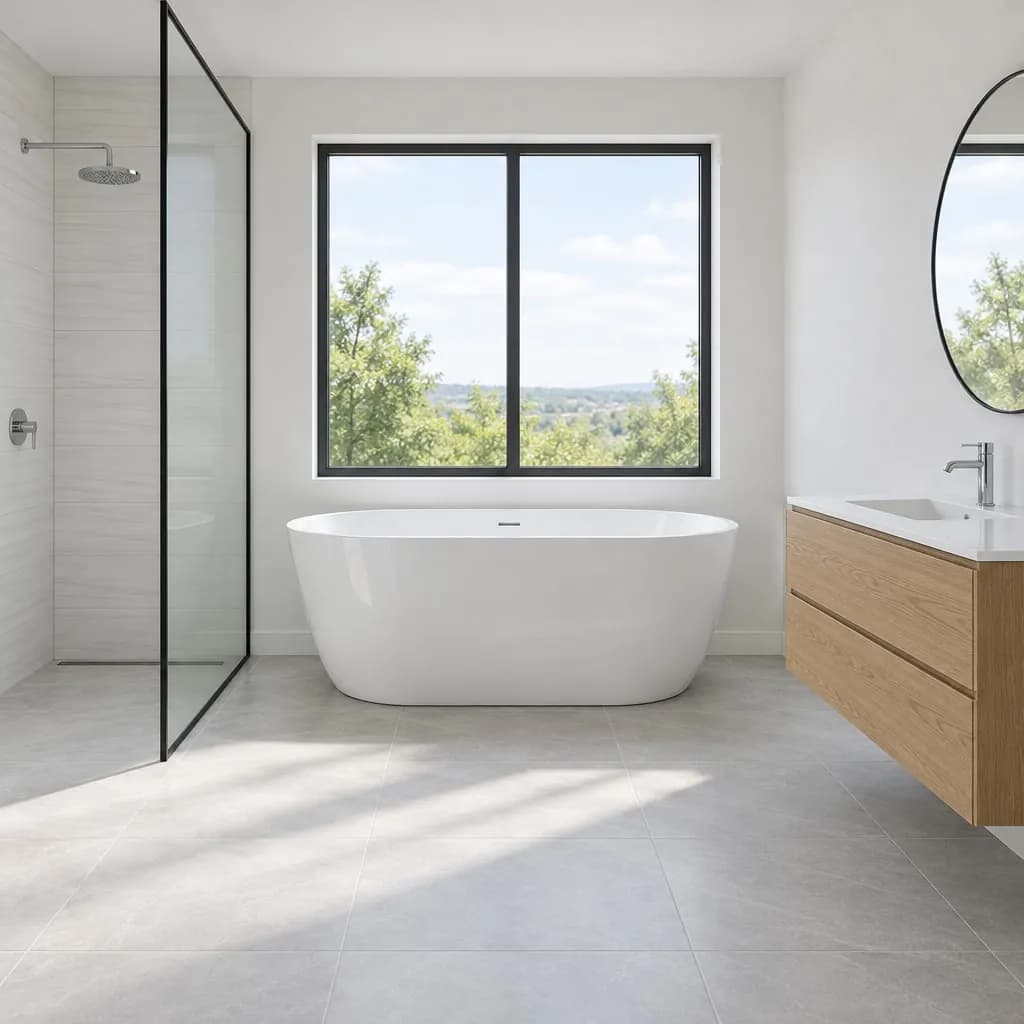 Before
Swap one finish"Change only the floor to emerald green zellige tiles": the tub, vanity and walls stayed as they were. 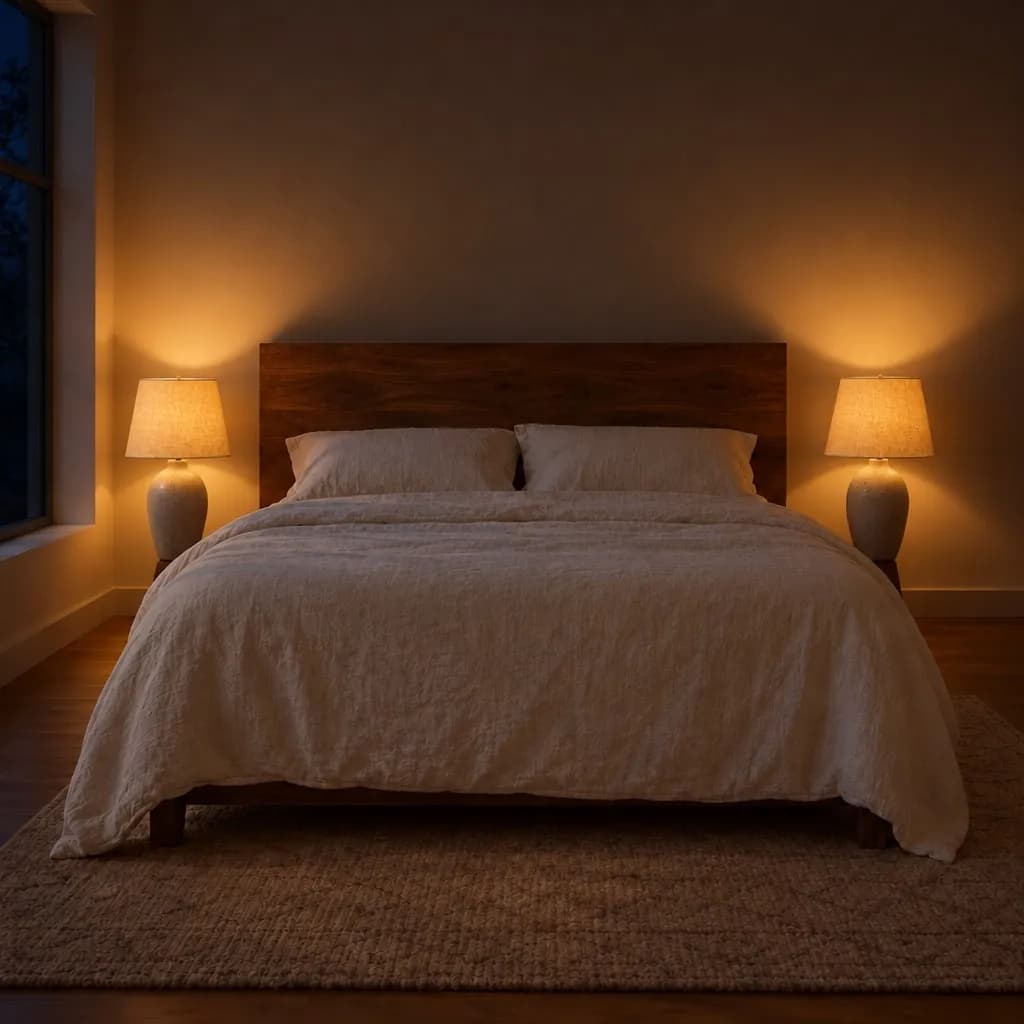 Night
Night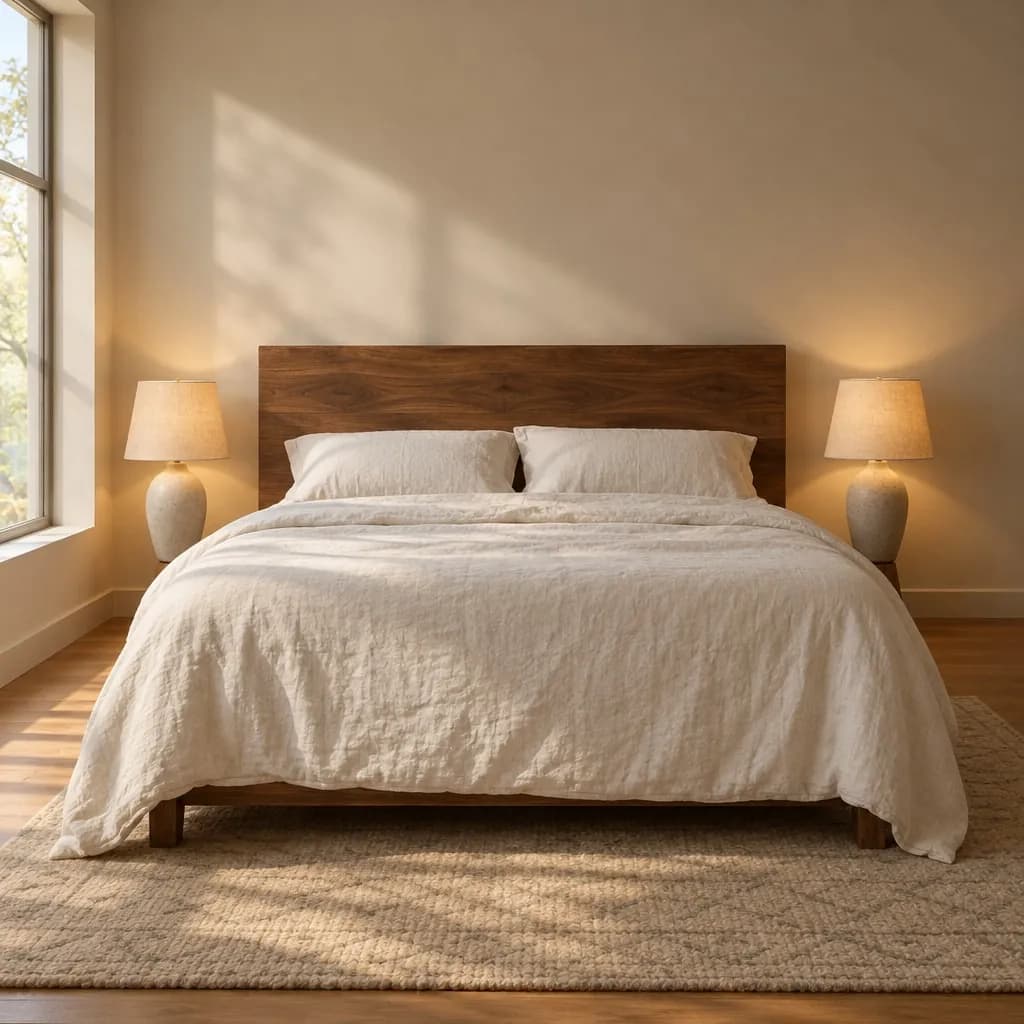 Morning
Morning or eveningThe same bedroom in two lights, for the mood board. Each version is one message. 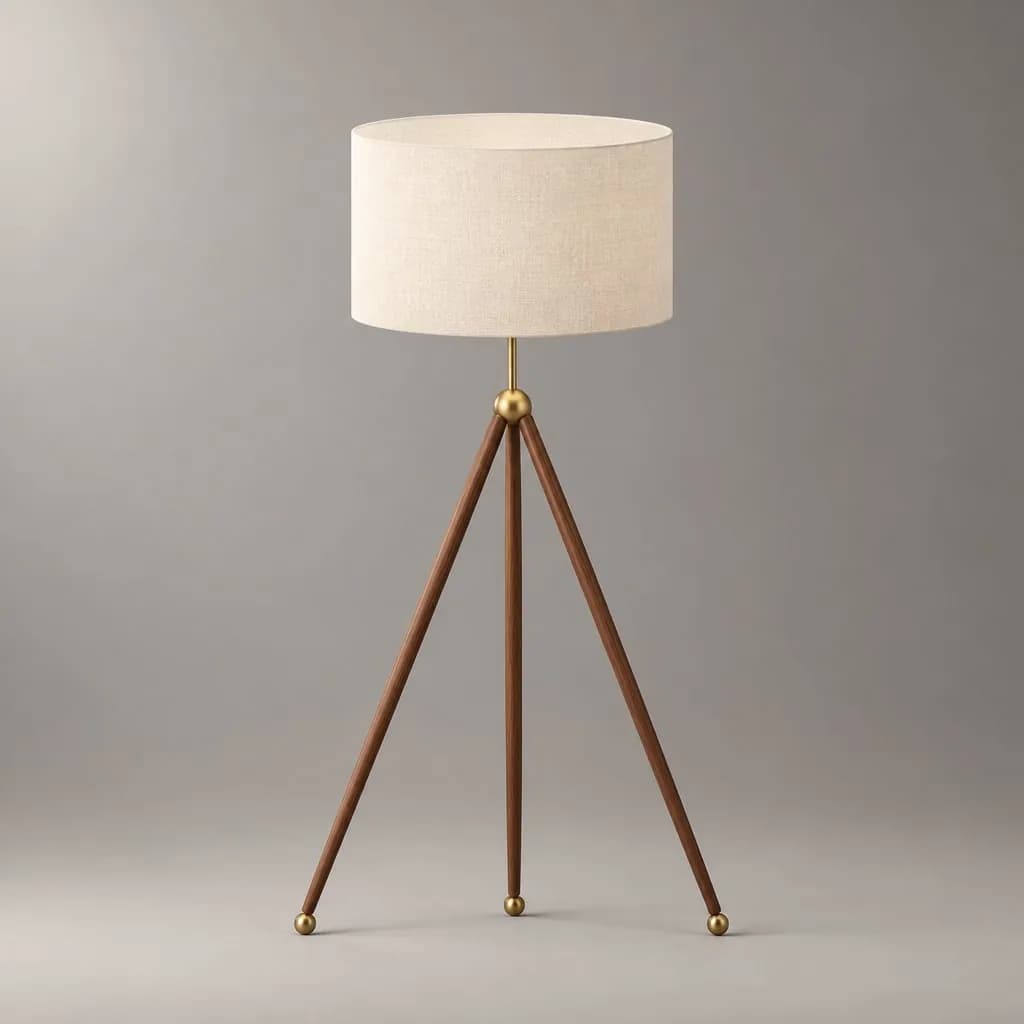 Render
 Sketch
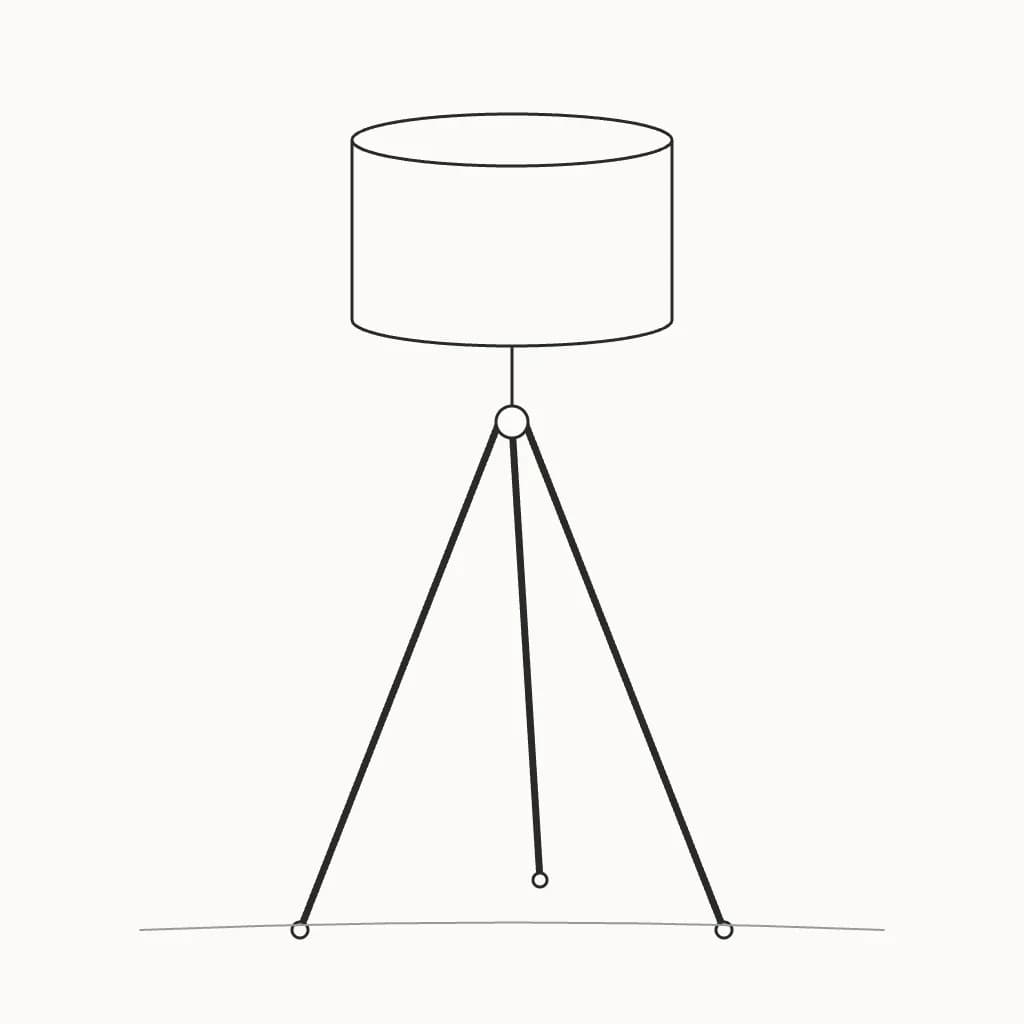
Furniture and lighting piecesA floor lamp from a quick sketch, shot like a product photo. 74% of the lines kept, and the overlay shows which.
Made for how you work
Your layout stays put
Walls, openings and furniture positions come from your drawing. Each render shows how many of your lines it kept.
Swap one finish at a time
Mark the sofa, the floor or the splashback and say what it should be. Only that area changes, so you can show options side by side.
Concepts ready for the meeting
Warm or cool, day or evening, as follow-ups on the same design, each kept as a version you can download for your presentation.
What you can start from
Room sketches, SketchUp or other 3D views, photos of the space, and exported models. Images as PNG, JPEG or WebP; 3D models as GLB, glTF, OBJ, FBX, STL, 3MF, or DAE, turned to the view you want in the browser. No plugin to install.
Plans for working practices
- Standard $15/month, 160 renders, no watermark
- Pro $45/month, 600 renders, no watermark
Sign in with a Google account and your first 3 renders are free. Cancel any time. See pricing
Try it on your own work
How it works
1
Add what you have
A photo of a hand sketch, a screenshot of a 3D model, or a snapshot of the real thing. No image? Start from a description.
2
Say what you want
Plain words are enough: materials, time of day, setting. We turn them into a full brief for the image model.
3
Get the render
Your shapes and proportions stay put. Materials, light, and surroundings are filled in around them.