For real estate photographers
Edit the whole shoot.Deliver it labelled.
Add a shoot’s photos and pick one job: virtual staging, emptying rooms, day to dusk or a blue sky. Each photo comes back in about 20 seconds, ready to compare with its original and deliver beside it.
Sign in with a Google account and your first 3 renders are free.
One listing batch
6 photos · Modern style · labelled “Virtually staged”
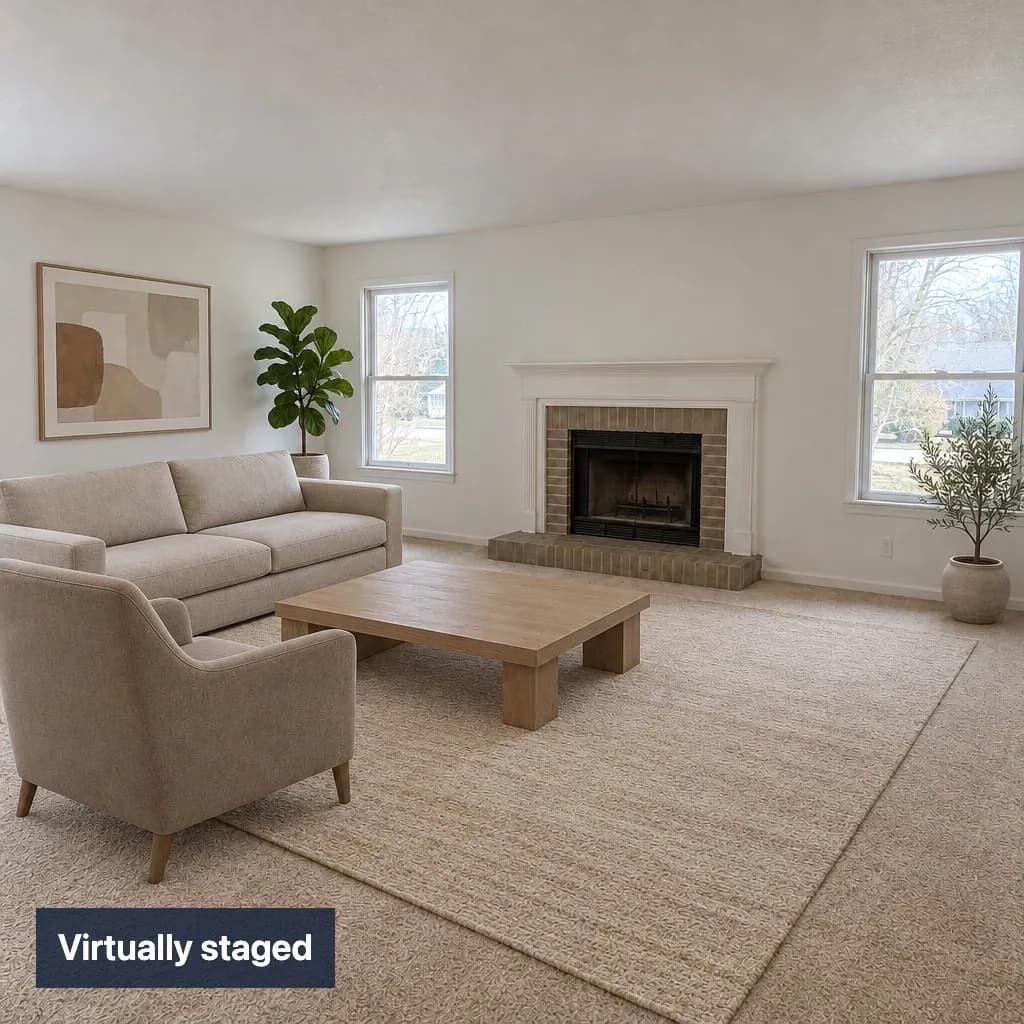 Staged
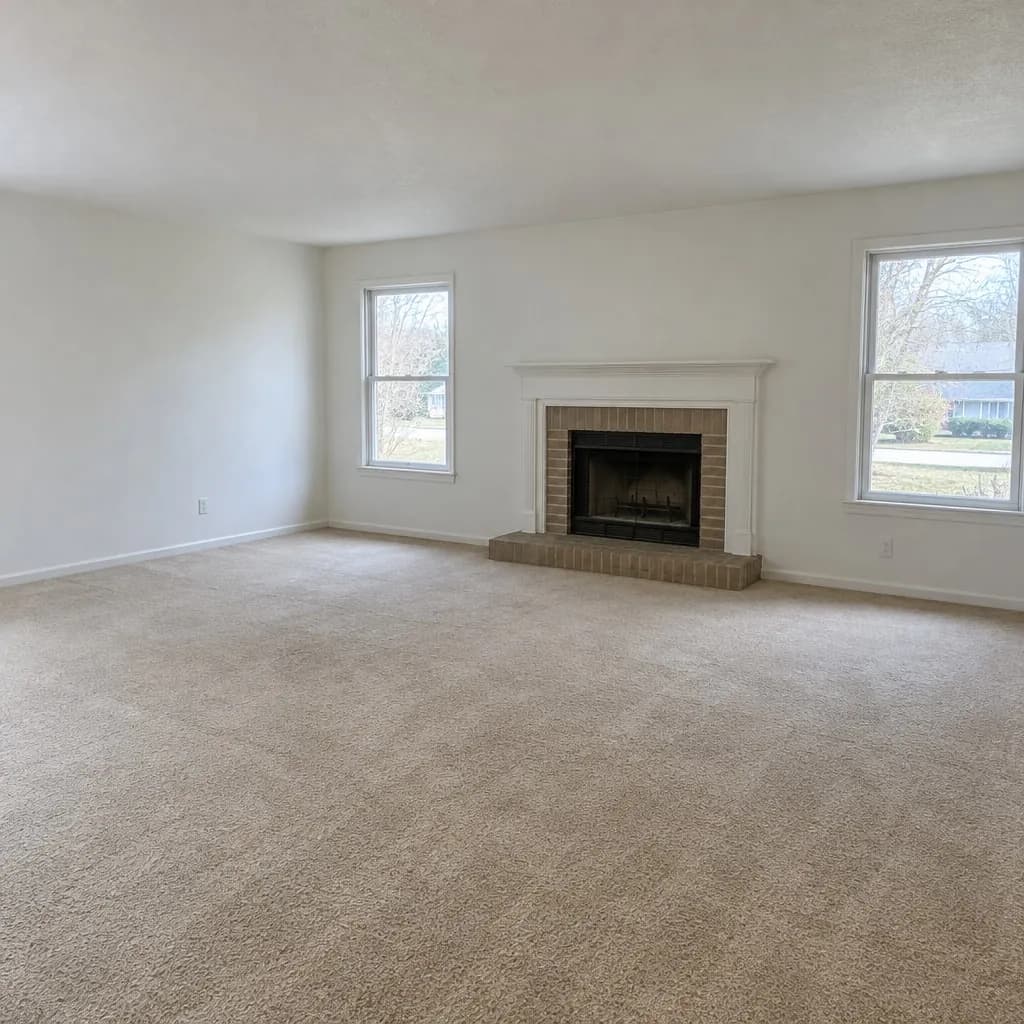 Original
Living room
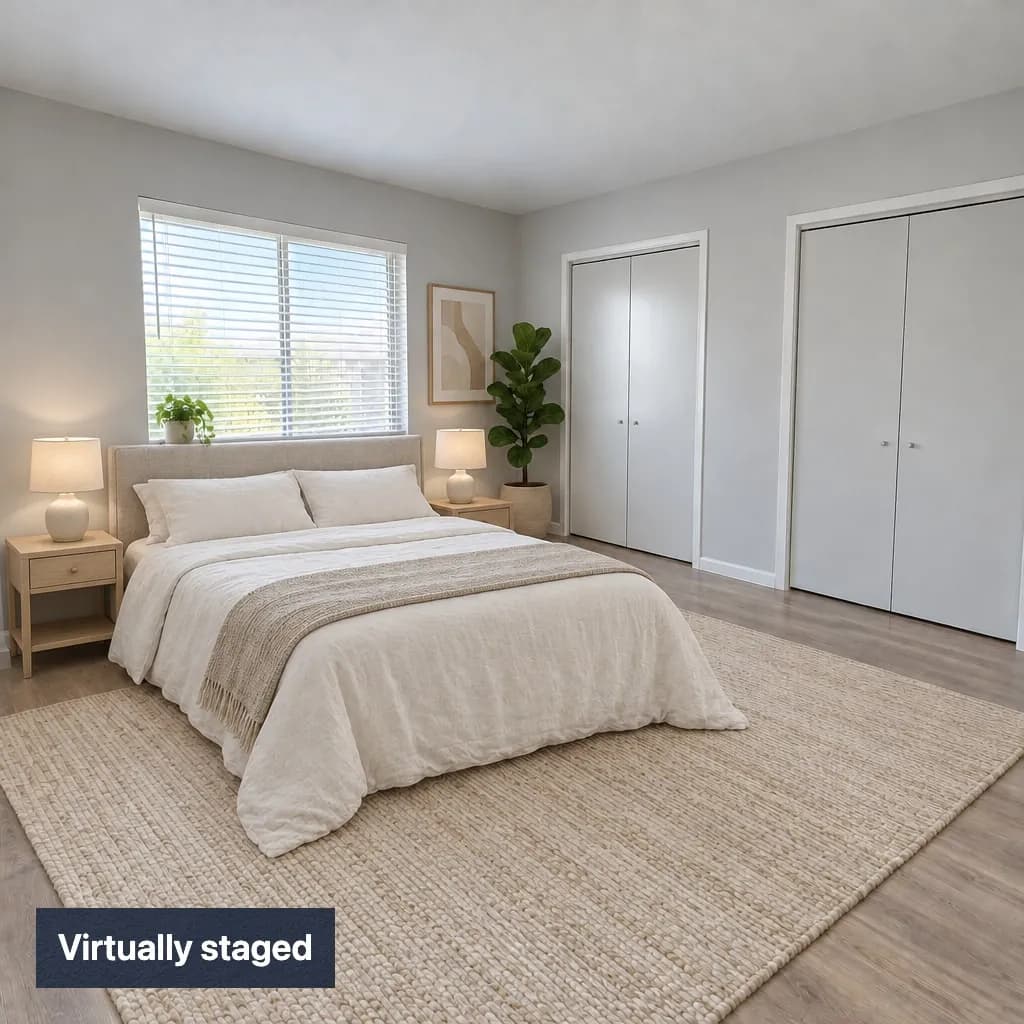 Staged
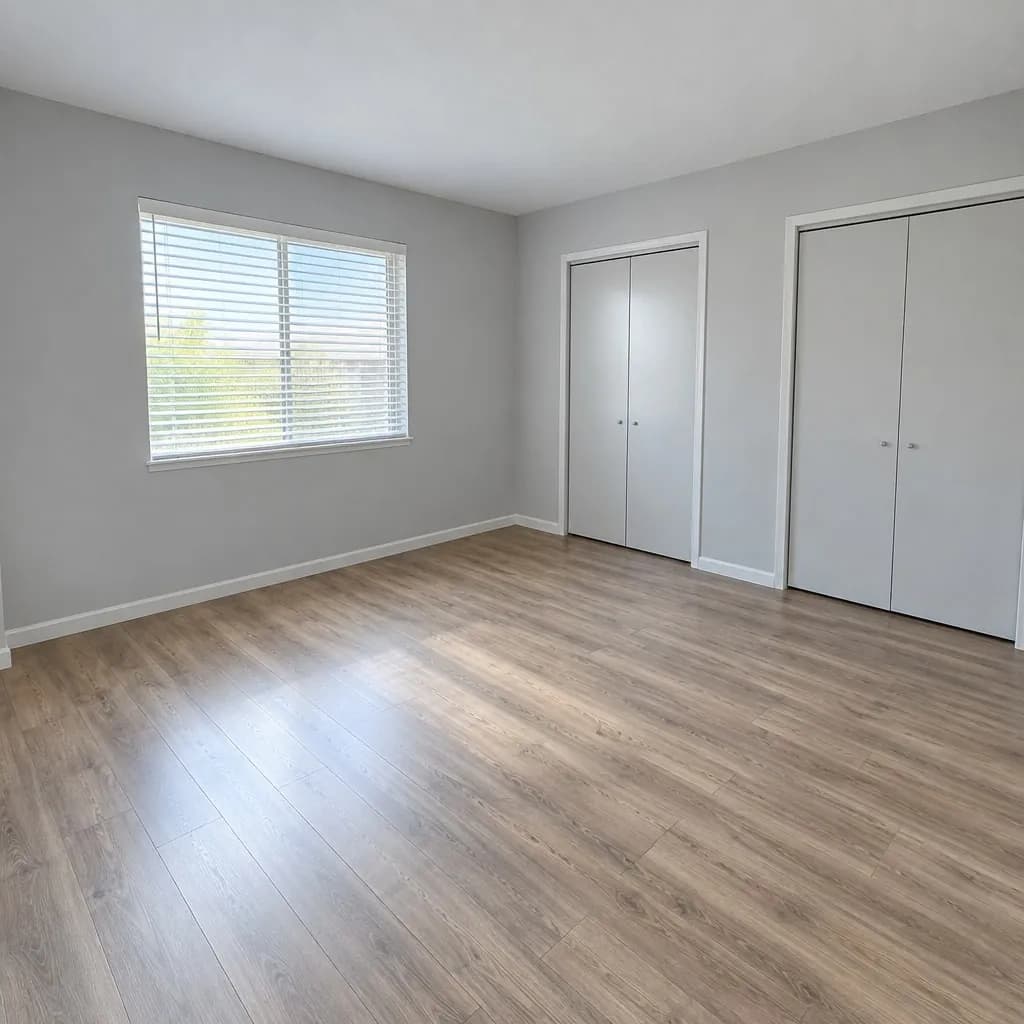 Original
Bedroom
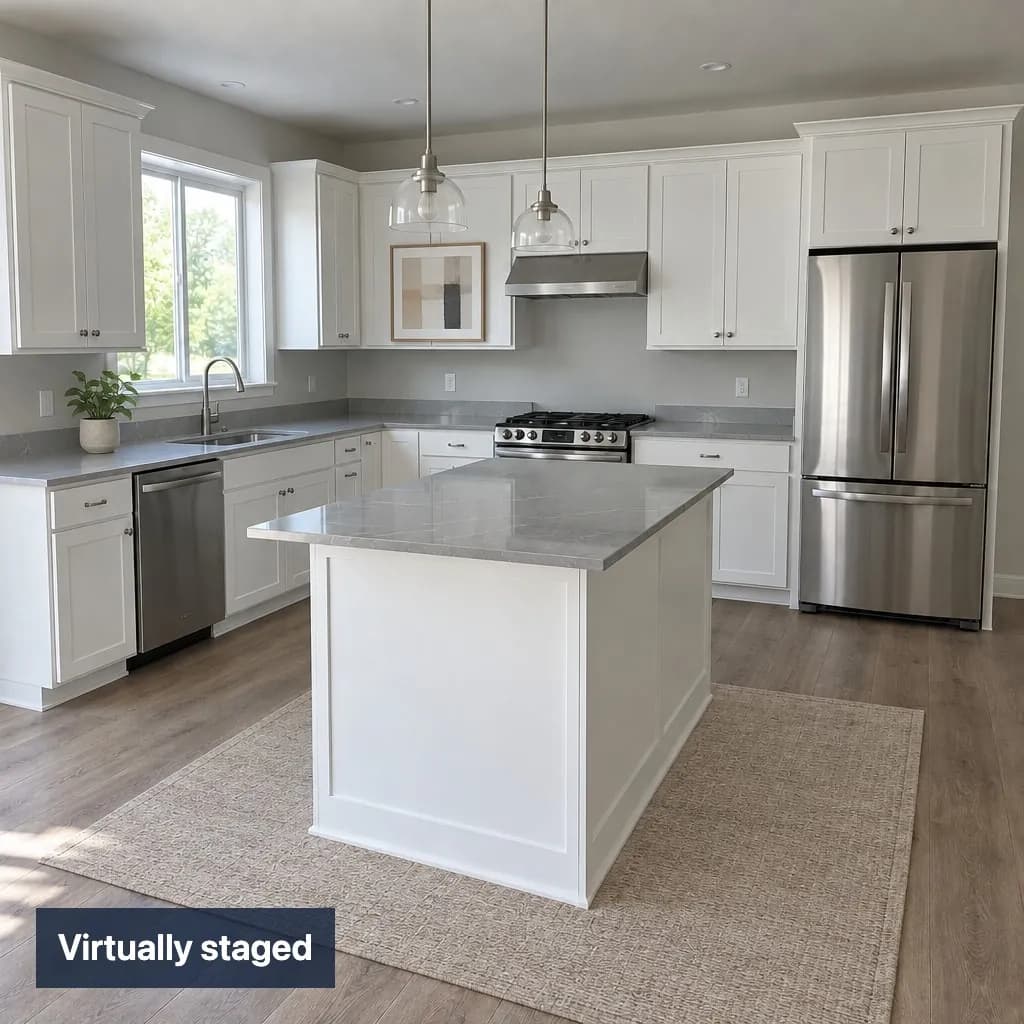 Staged
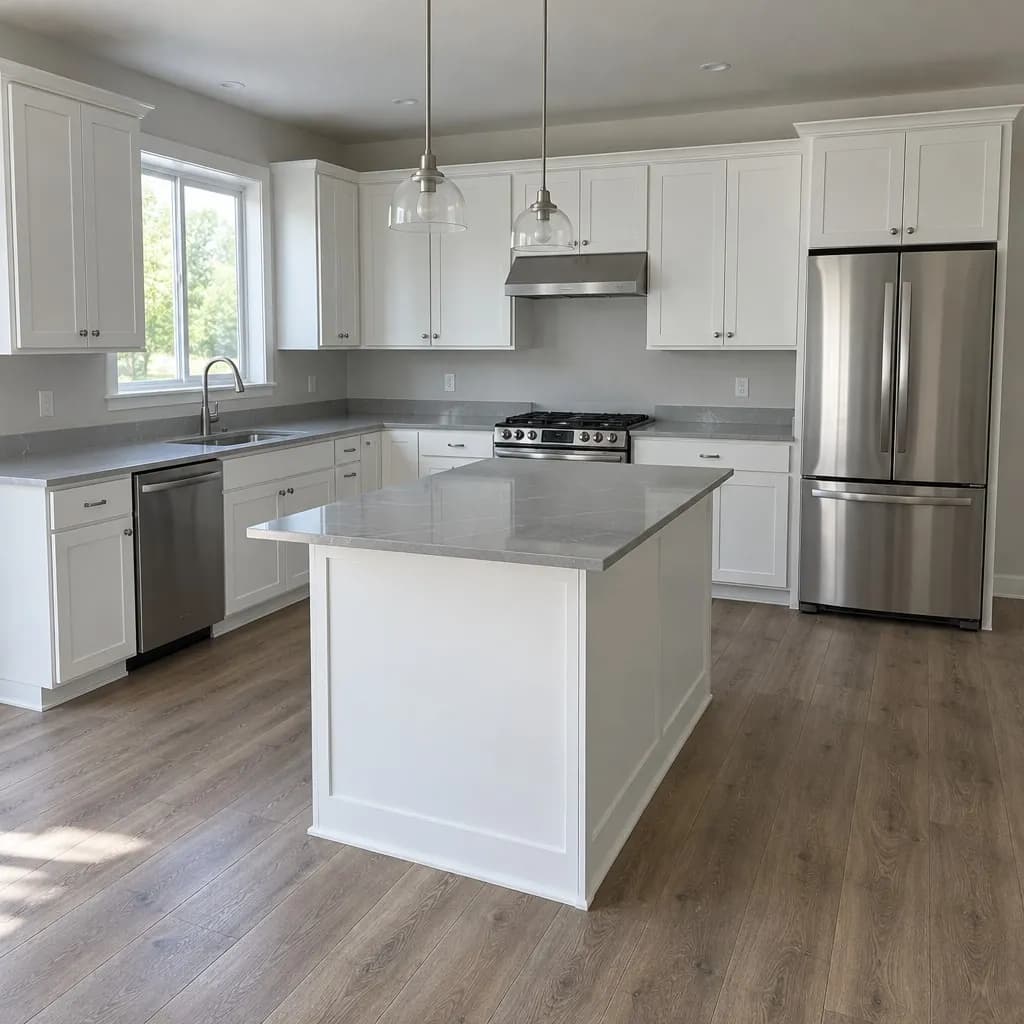 Original
Kitchen
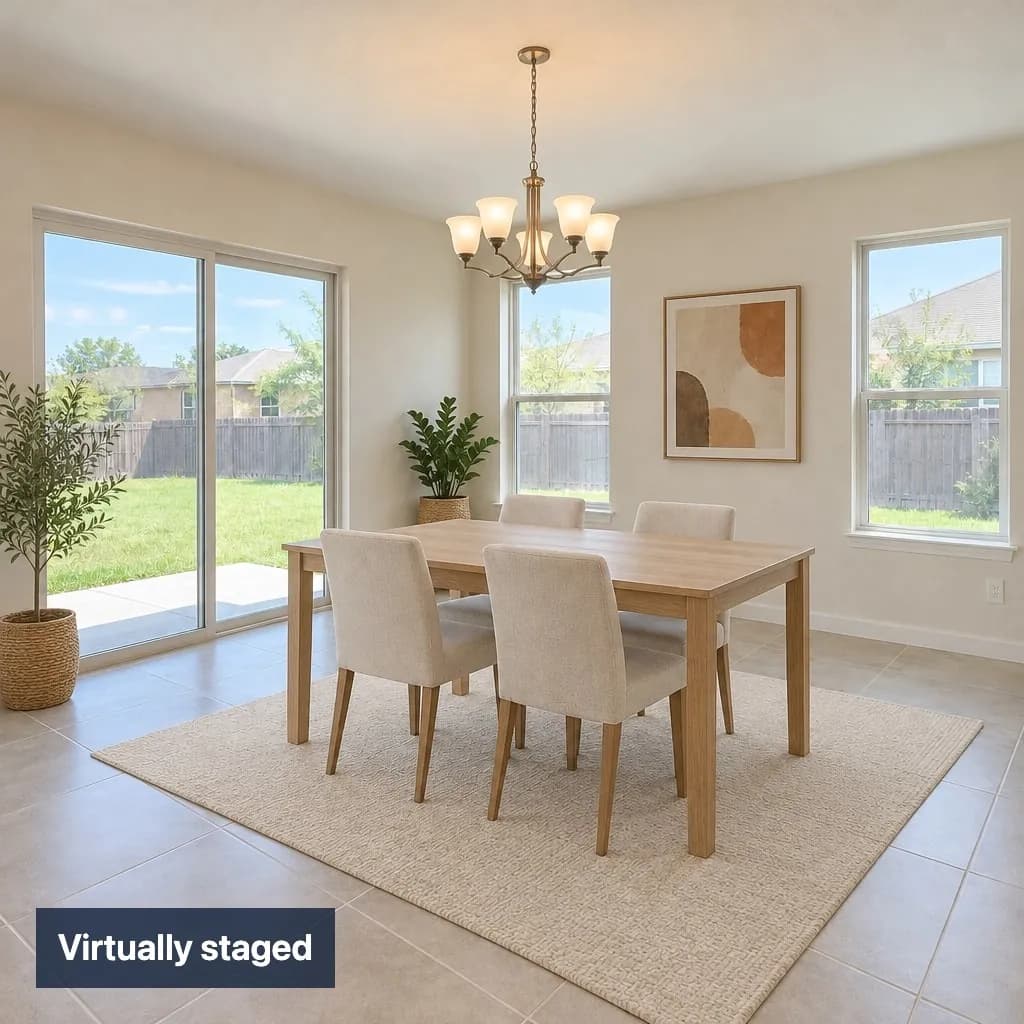 Staged
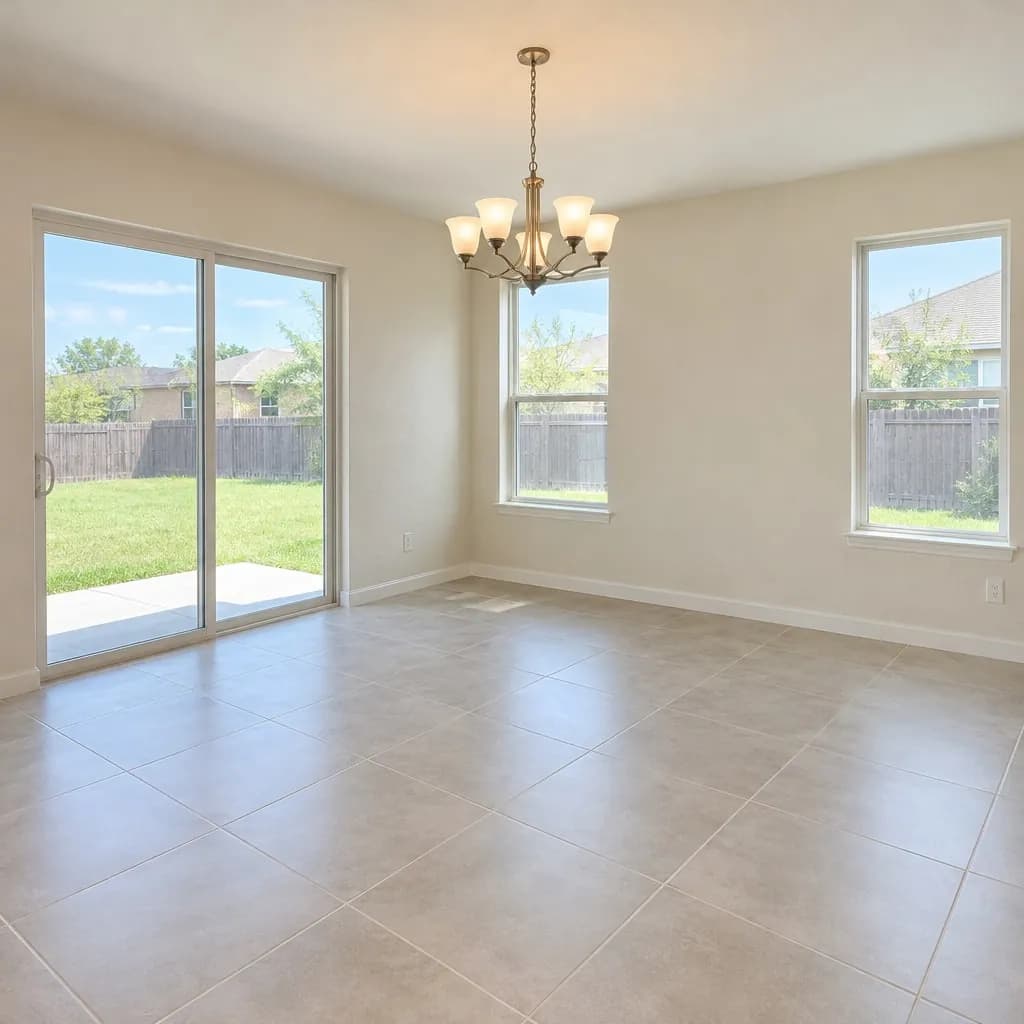 Original
Dining
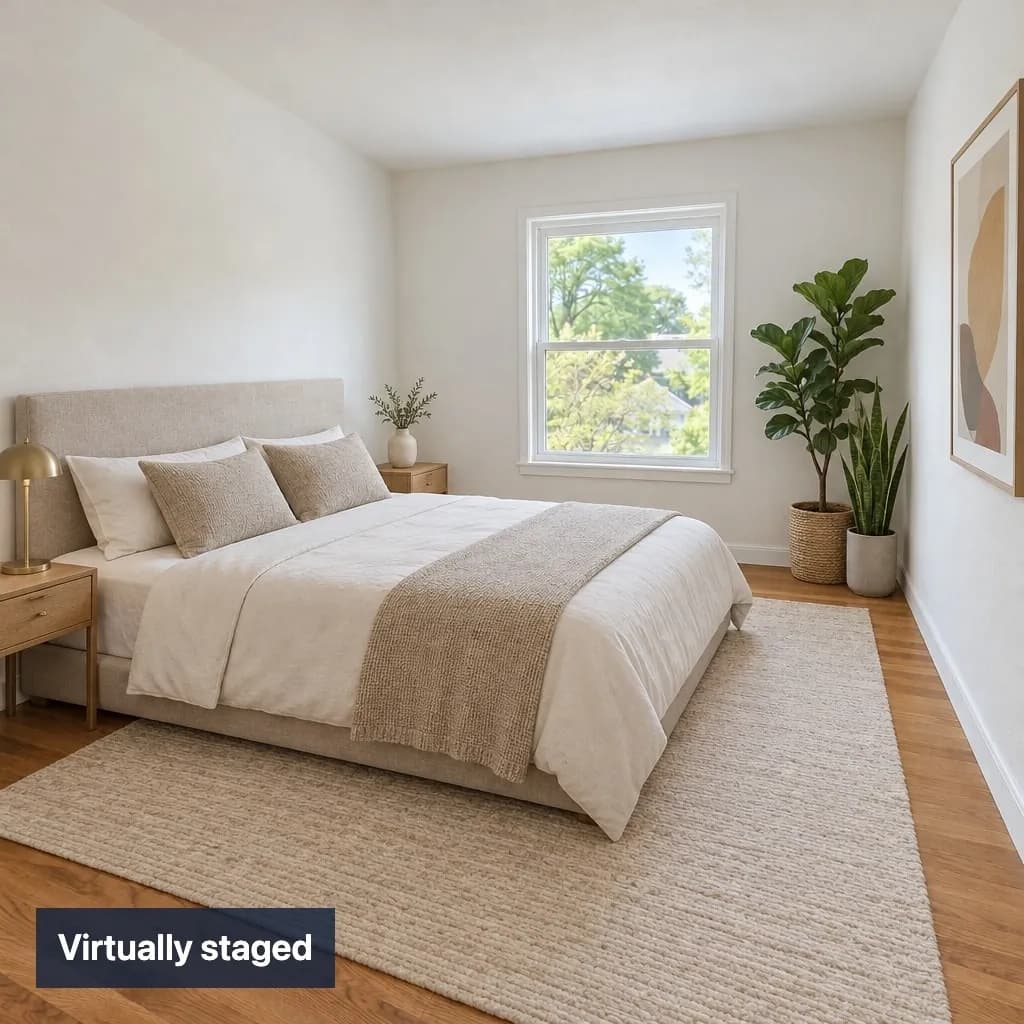 Staged
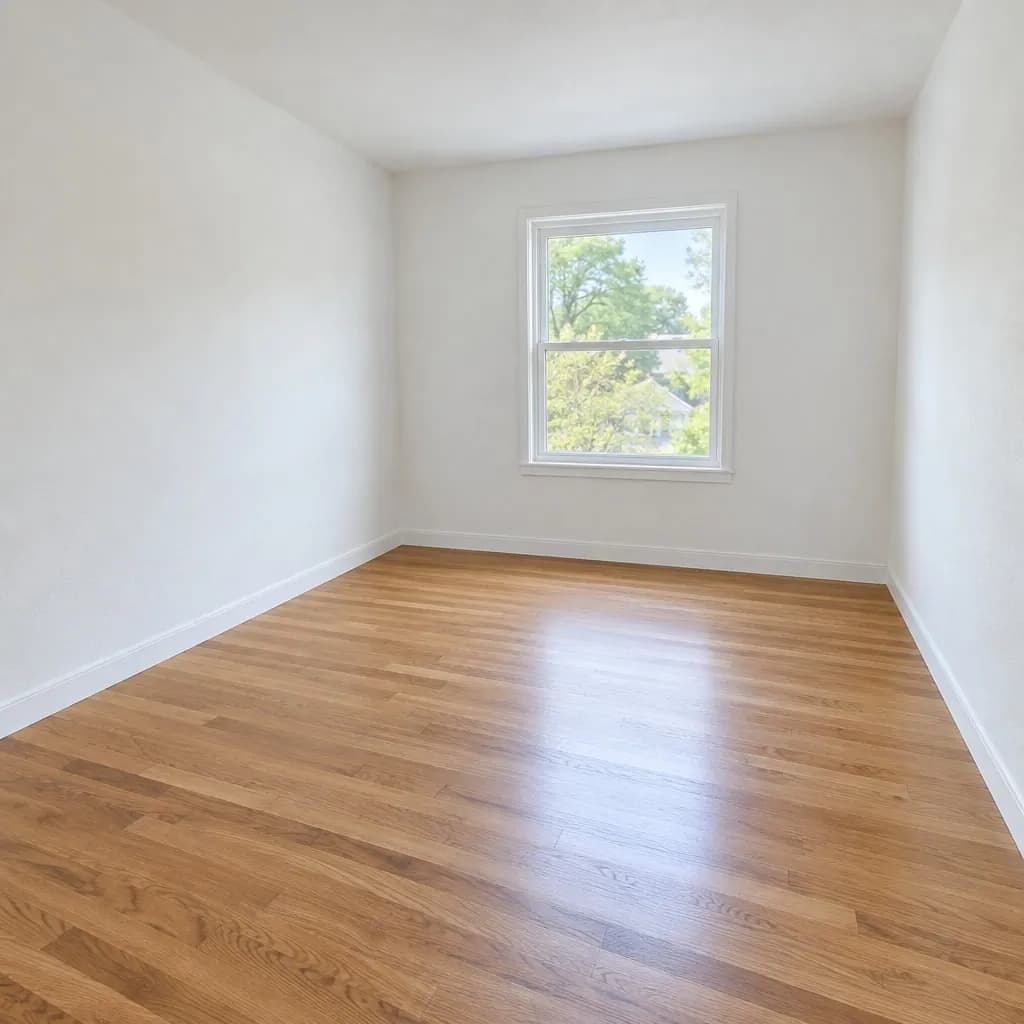 Original
Spare room
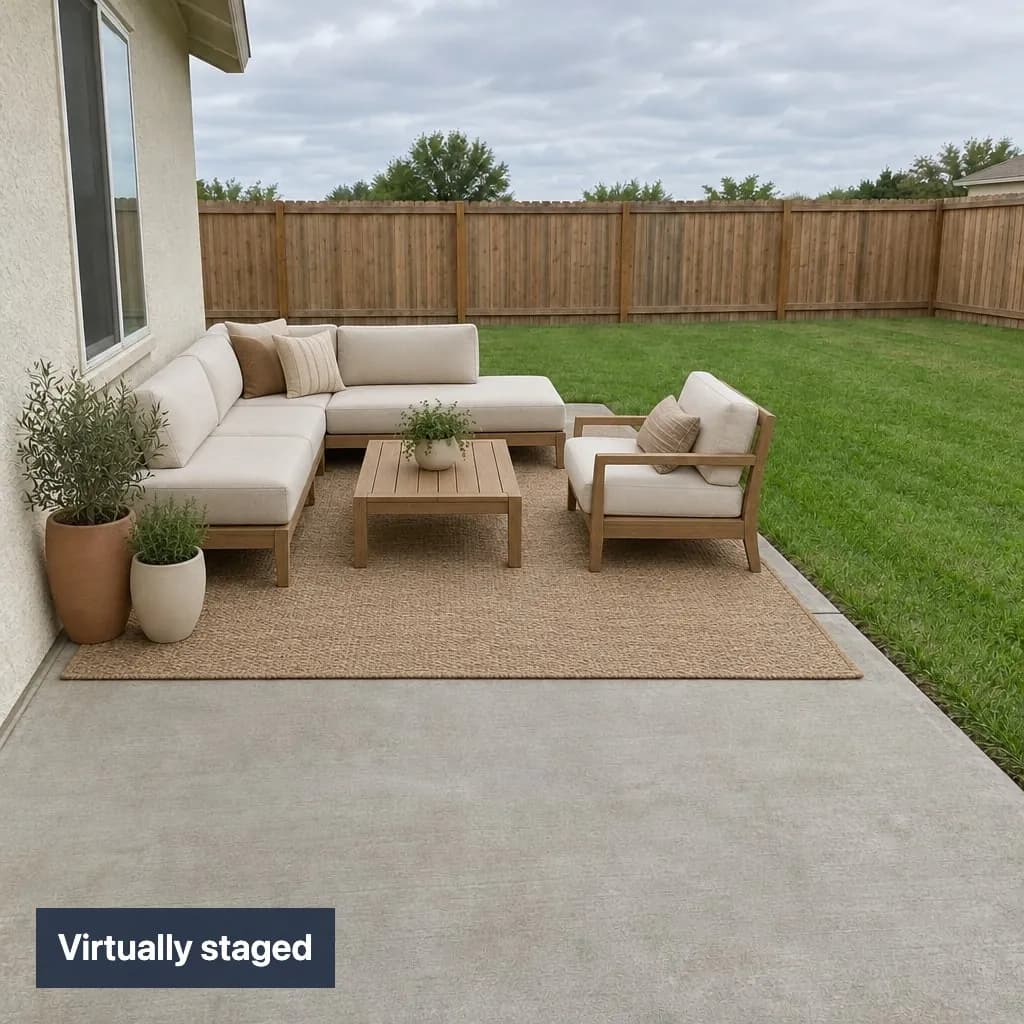 Staged
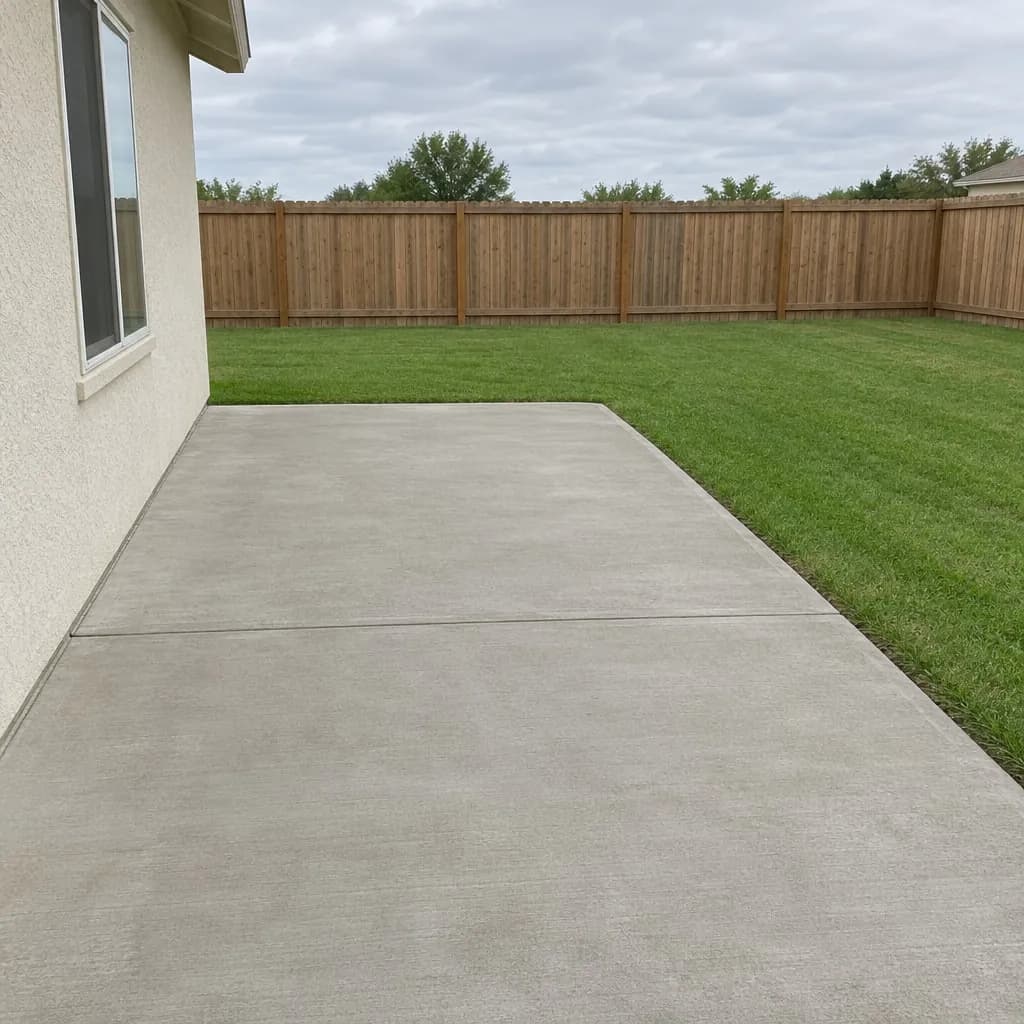 Original
Patio
Made for listing photos
Add-ons on every shoot
Offer staging, twilight and sky swaps without waiting on an outside editor. On one-time packs an edit costs $0.45 to $0.95 a photo, and you set your own price to the agent.
Check it before the agent does
The compare slider lays every edit over its original, so you catch a changed window or wall before it is delivered.
Delivered the way MLSs ask
The batch download pairs each original with its edited copy, labelled in your words (“Virtually staged” unless you change it).
Stage, empty, dusk or blue sky
Pick one job for every photo in a listing. Each keeps the house as photographed and labels its copy.
- StagedEmpty
Stage
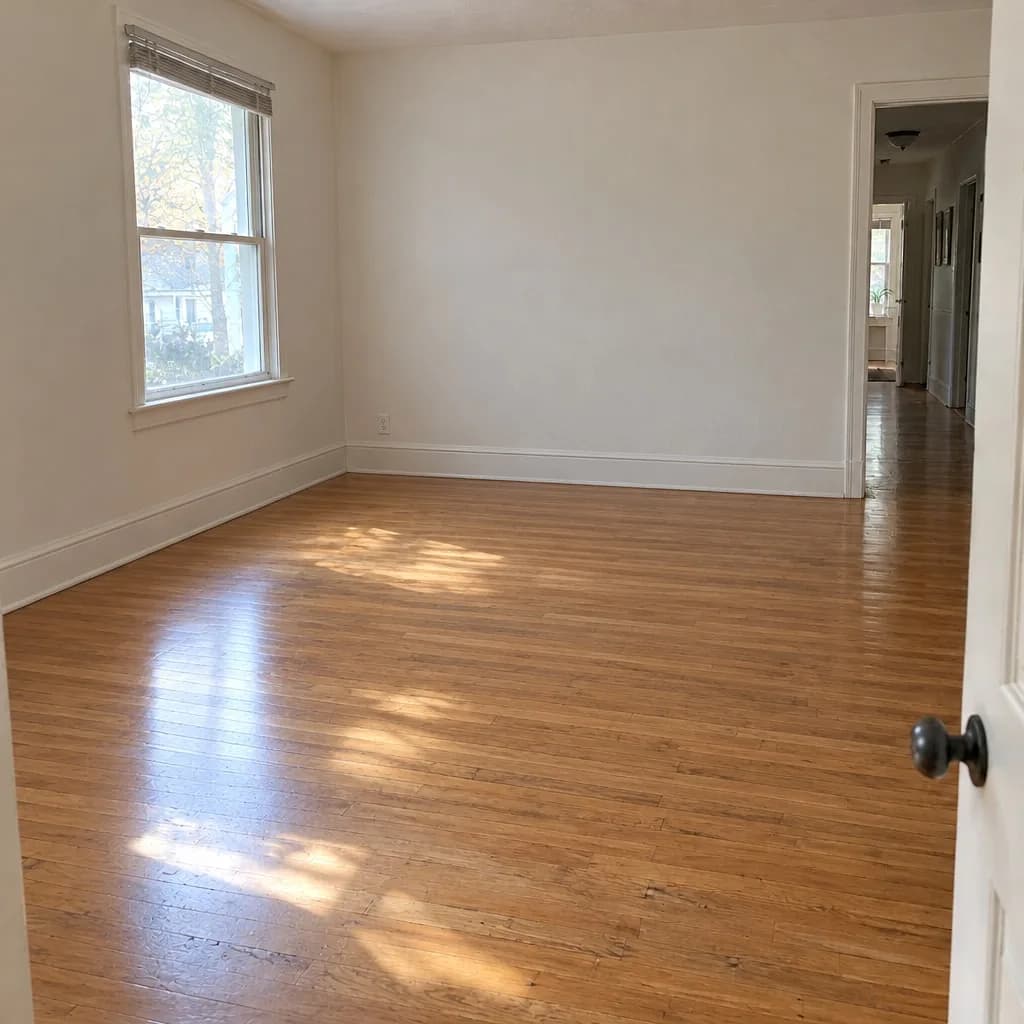 Emptied
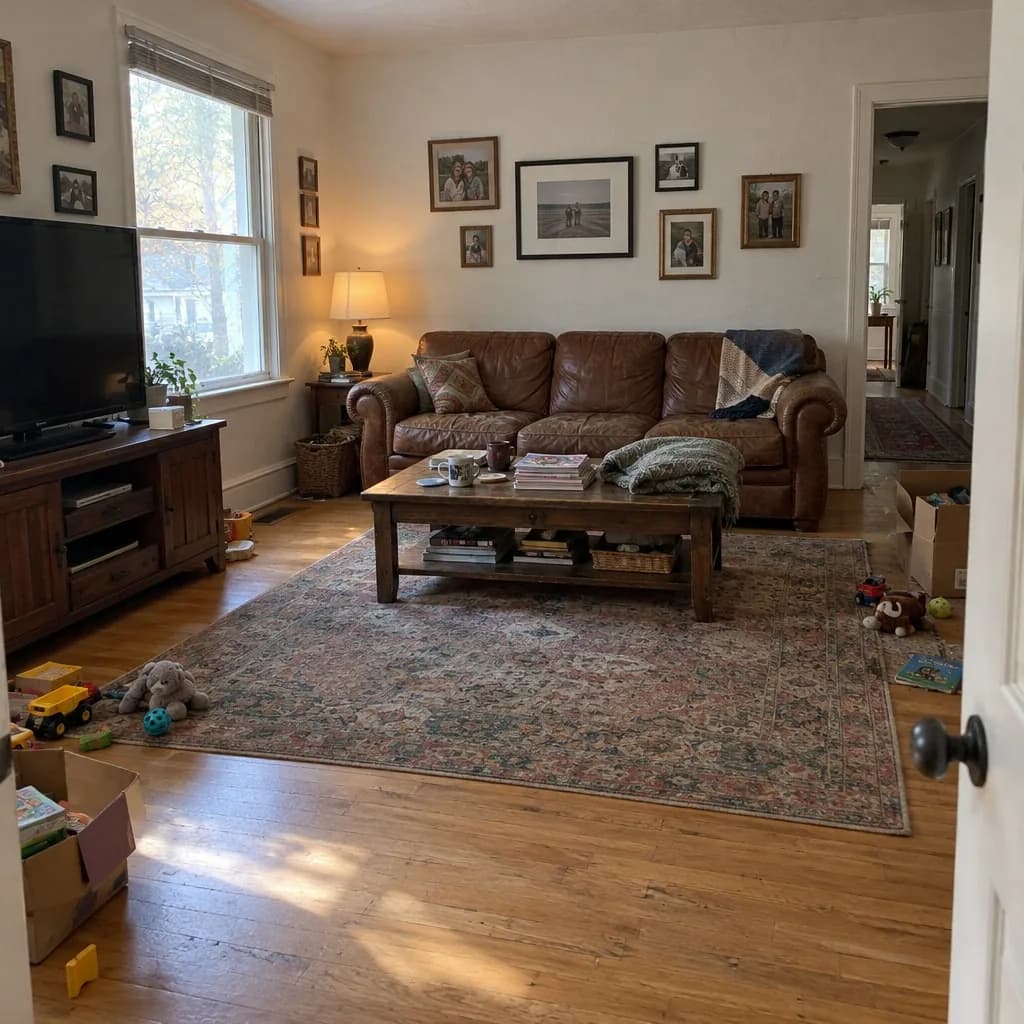 Lived-in
Empty the rooms
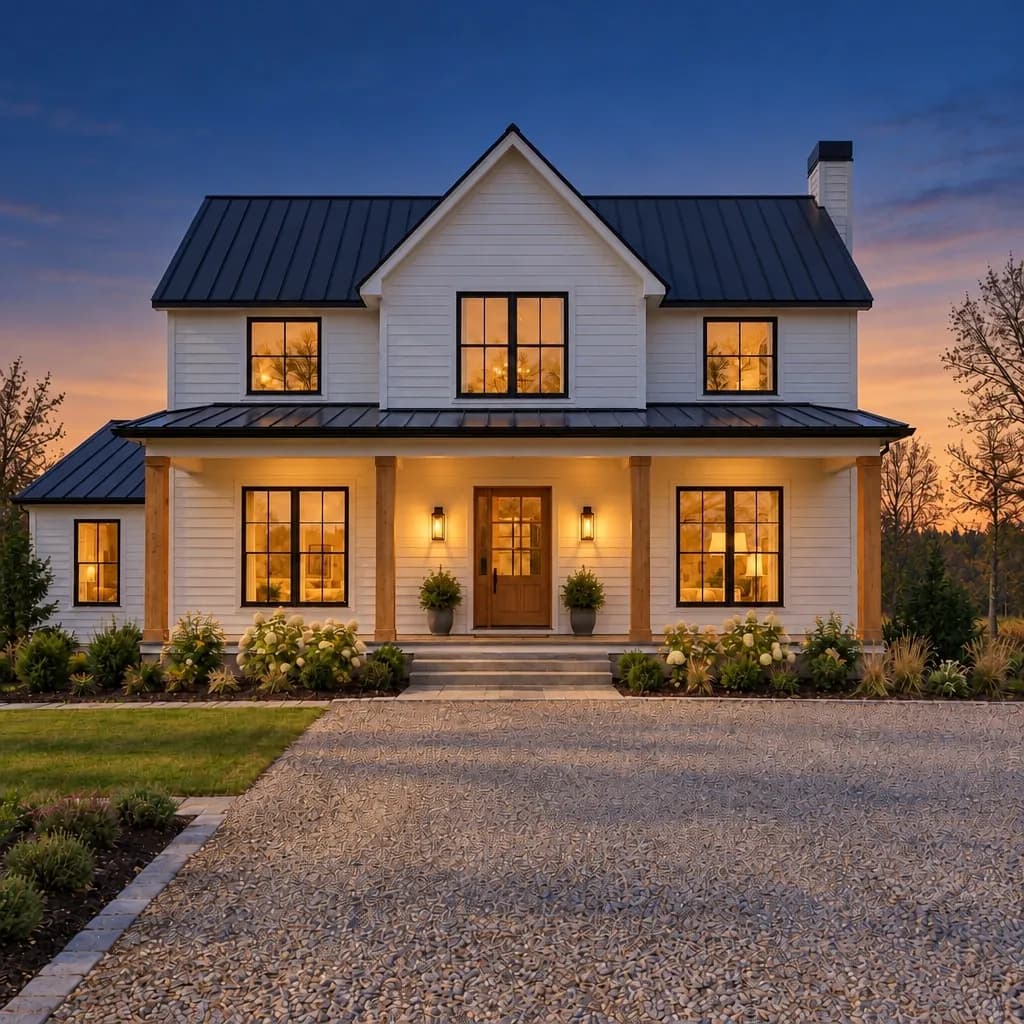 Twilight
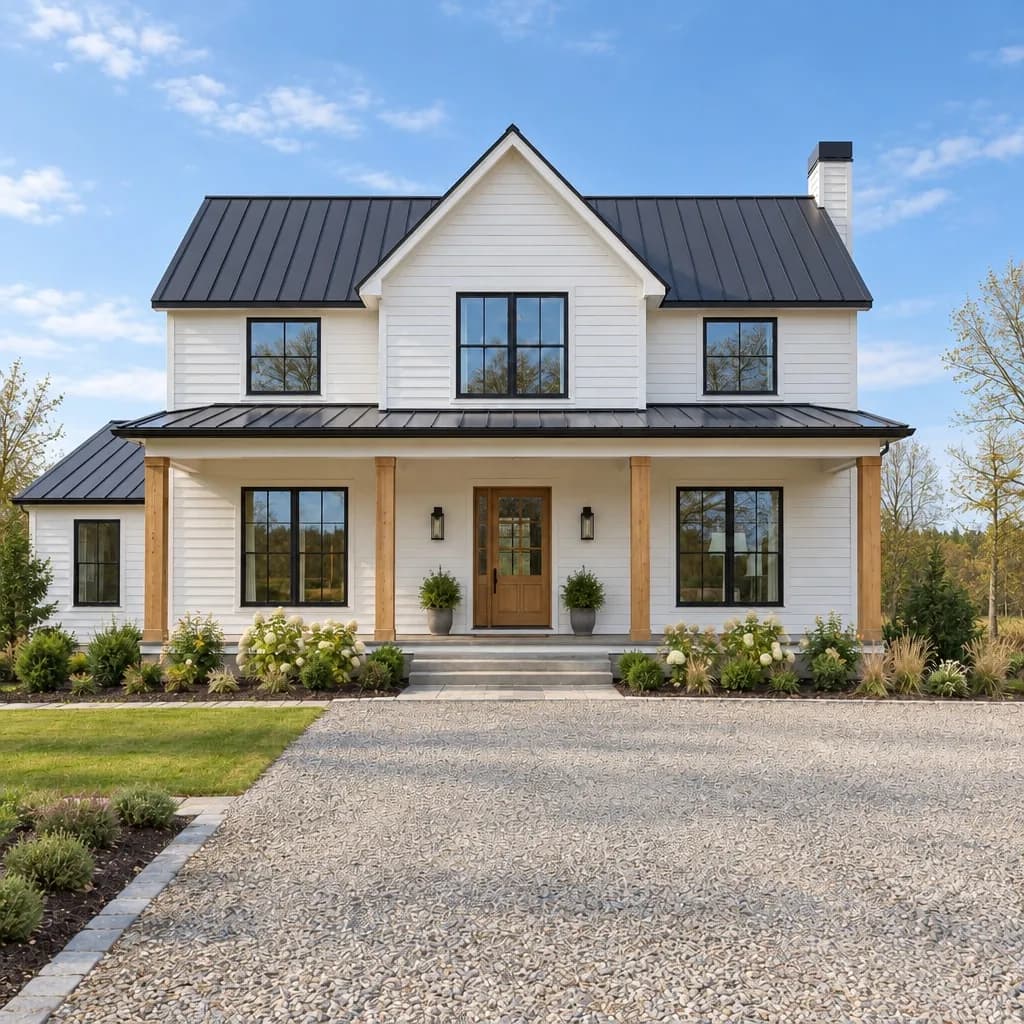 Daytime
Day to dusk
- Blue sky
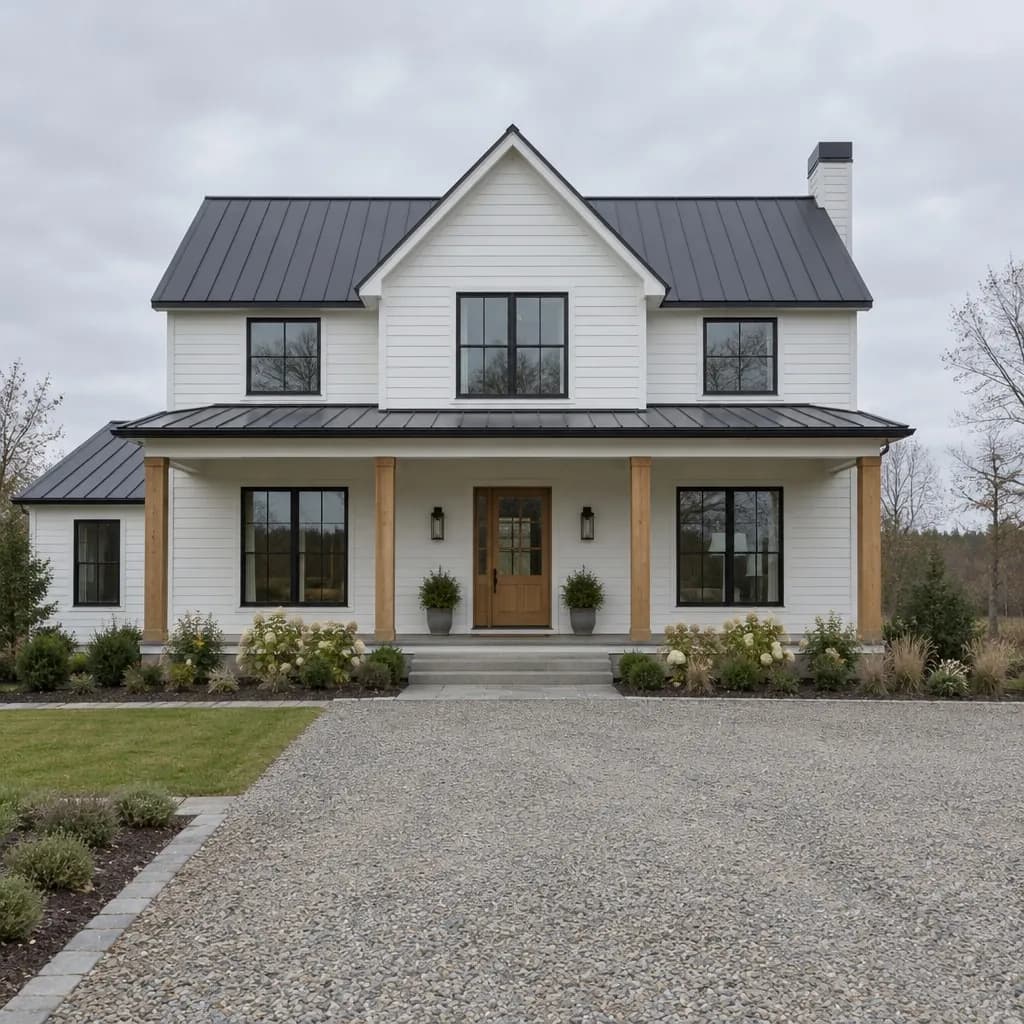 Overcast
Blue sky
What your agents’ listing rules ask for
California’s AB 723, in force since January 1, 2026, asks for a clear disclosure on digitally altered listing photos and access to the unaltered one. MLS rules such as CRMLS’s add the “virtually staged” wording and forbid changing the property itself. Together, rules like these generally ask for three things.
1
A “virtually staged” label
Every staged copy in a listing batch’s download is labelled “Virtually staged”.
2
The unaltered photo alongside
The download pairs each staged photo with its original, and the compare slider shows the two together in the studio.
3
No changes to the property
Walls, floors, windows and views must stay as they are. The compare slider shows each staged photo over its original, so you can check nothing moved.
A summary, not legal advice. Rules differ by state and MLS and they change, so check your MLS’s rules, and your broker, before posting staged photos.
A whole shoot at once
- 1Add up to 20 photos of one listing.
- 2Pick one job for all of them. Staging uses one style, so the rooms belong to the same home.
- 3They render on our servers while you do other things; compare each photo with its original as it finishes.
- 4Download a ZIP of every original with its edited copy, labelled in your words.
Listing batches run on paid credits, from a credit pack or a plan. See the packs
| Pack | Price | Renders | Per render |
|---|---|---|---|
| Starter packFor a single project. | $19 | 20 | $0.95 |
| Project packSeveral projects, with room for edits. | $59 | 100 | $0.59 |
| Studio packFor a team or a busy stretch. | $179 | 400 | $0.45 |
Paid once, no subscription. Renders on paid credits carry no watermark. See all pricing
Questions photographers ask
Can I resell the edits to my clients?
Yes. We claim no ownership of what you make, and you may use it for any lawful purpose, including commercial work. The disclosure rules for listing photos still apply, so deliver the labelled copy with the original.
How many photos can I do at once?
Up to 20 photos in one batch, at 5 credits a photo. Run another batch for the next listing; a photo that does not render costs nothing.
Will it change the windows or walls?
It is asked to keep the room as photographed, and the compare slider lays each result over its original so you can check. If one misses, mark the part and use “Change just this”, or run the photo again. Check each photo before you deliver it.
Can I download in 4K?
Yes, with a plan or a pack. The first 10 new 4K downloads each day are free; after that each costs 5 credits, and we ask first.
Do I need a subscription?
No. Credit packs are paid once and last 6 months from purchase. Plans suit steady weekly volume.
Stage one room now, the whole listing when you are ready
Start with a single photo on the free renders, then buy a pack when the listing is ready to go.