Rough sketch in.Finished render out.
Upload a sketch, photo, or model screenshot, describe the result you want, and get a photoreal image back. Your design stays exactly as drawn; only the finish changes.
Try it free
First render free, no card required
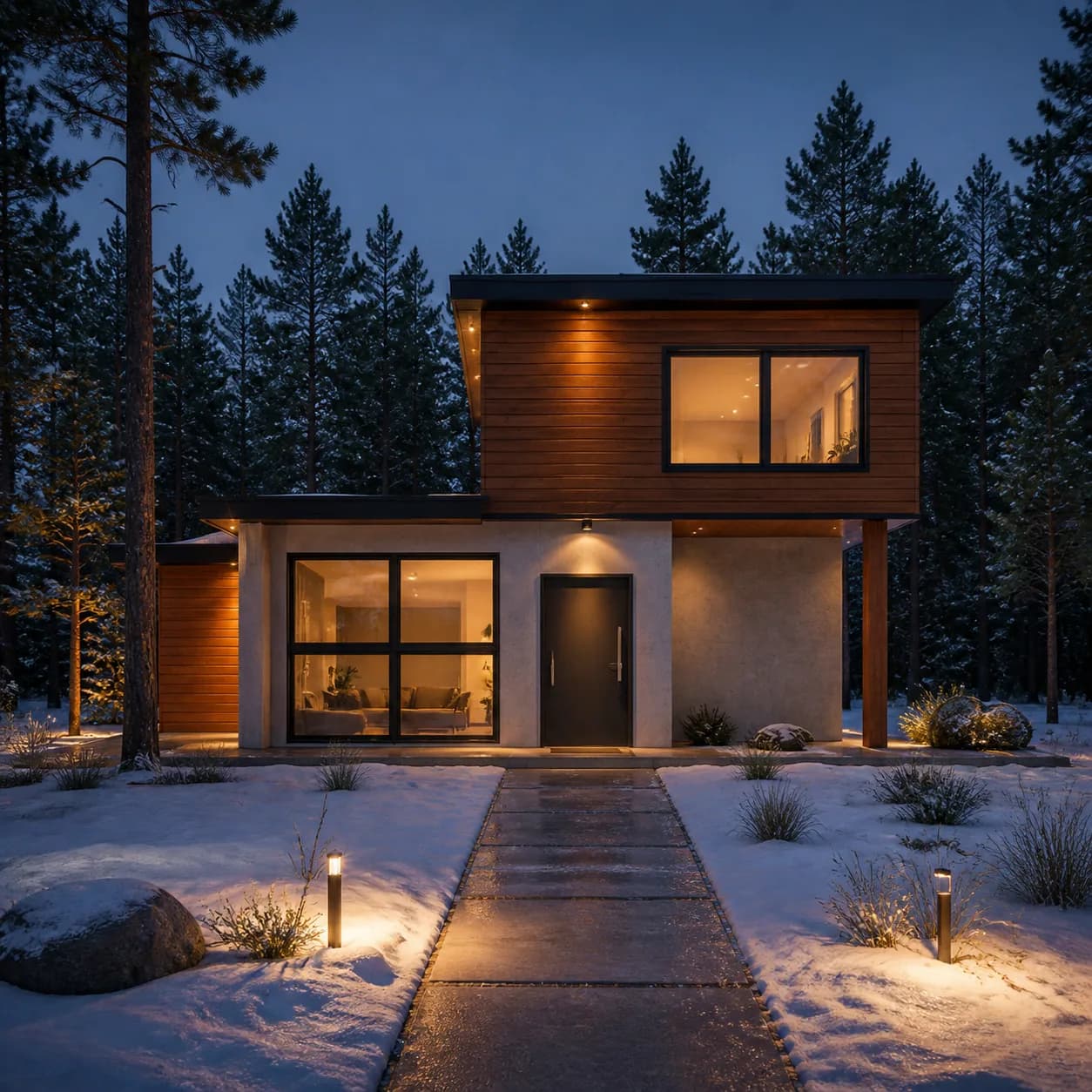 Render
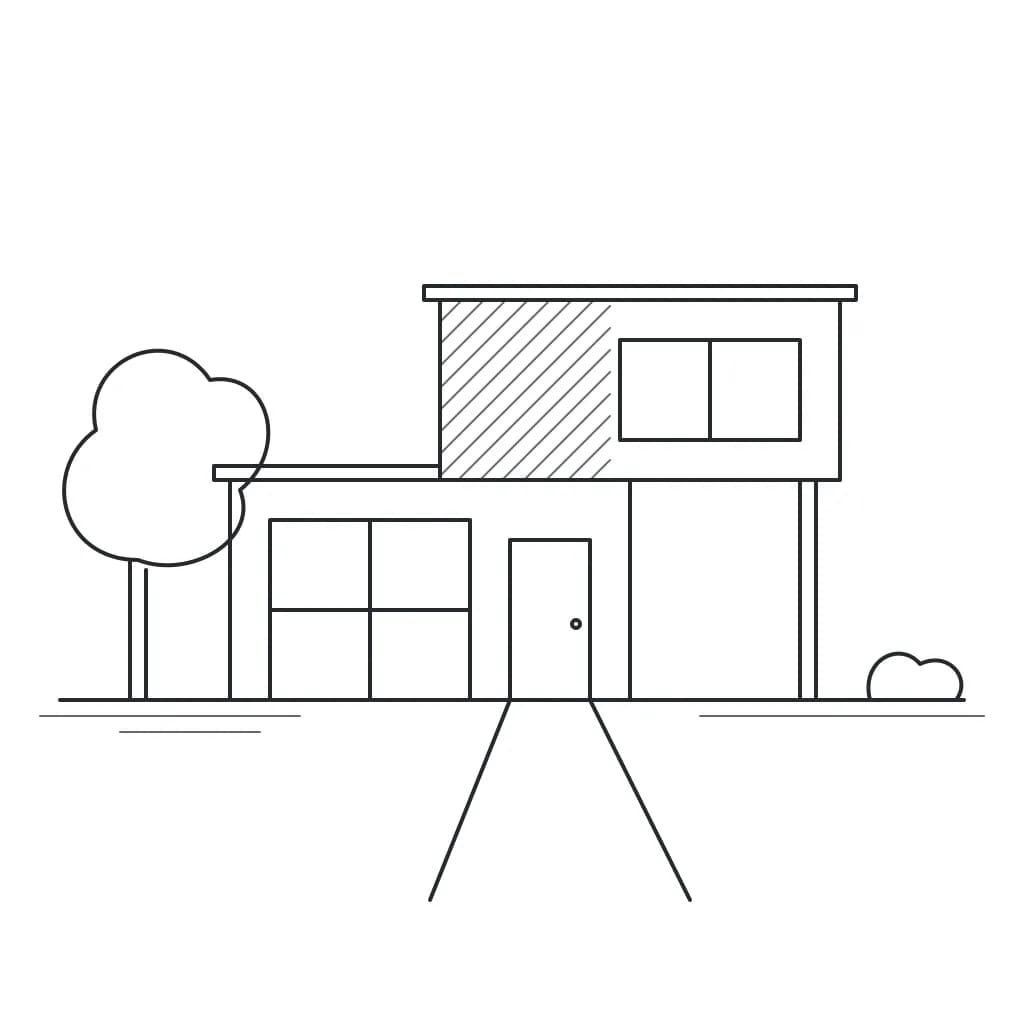 Sketch
Try it now, free
No account or card needed.
How it works
1
Add what you have
A photo of a hand sketch, a screenshot of a 3D model, or a snapshot of the real thing. No image? Start from a description.
2
Say what you want
Plain words are enough: materials, time of day, setting. We turn them into a full brief for the image model.
3
Get the render
Your shapes and proportions stay put. Materials, light, and surroundings are filled in around them.
What you can render
Each subject has its own lighting and camera habits. Pick one, or let the studio choose from your image and description.
- Building exterior
- Houses, facades, and site views.
- Interior
- Rooms, kitchens, bathrooms, and furnished spaces.
- Product
- Furniture and objects on a clean set.
- Vehicle
- Cars, bikes, and other vehicles.
- Landscape
- Gardens, yards, and outdoor spaces.
- General
- Anything else.