Inkfinish vs ReRender AI
ReRender AI: a web tool that turns a screenshot of your 3D model, or a sketch, into a photoreal architectural render, with moodboards, a style reference and drawing colouring. Inkfinish turns a sketch, photo or model into a photoreal render, shows how much of your design it kept, and edits listing photos in batches. Here is how they compare, fairly, with every source linked.
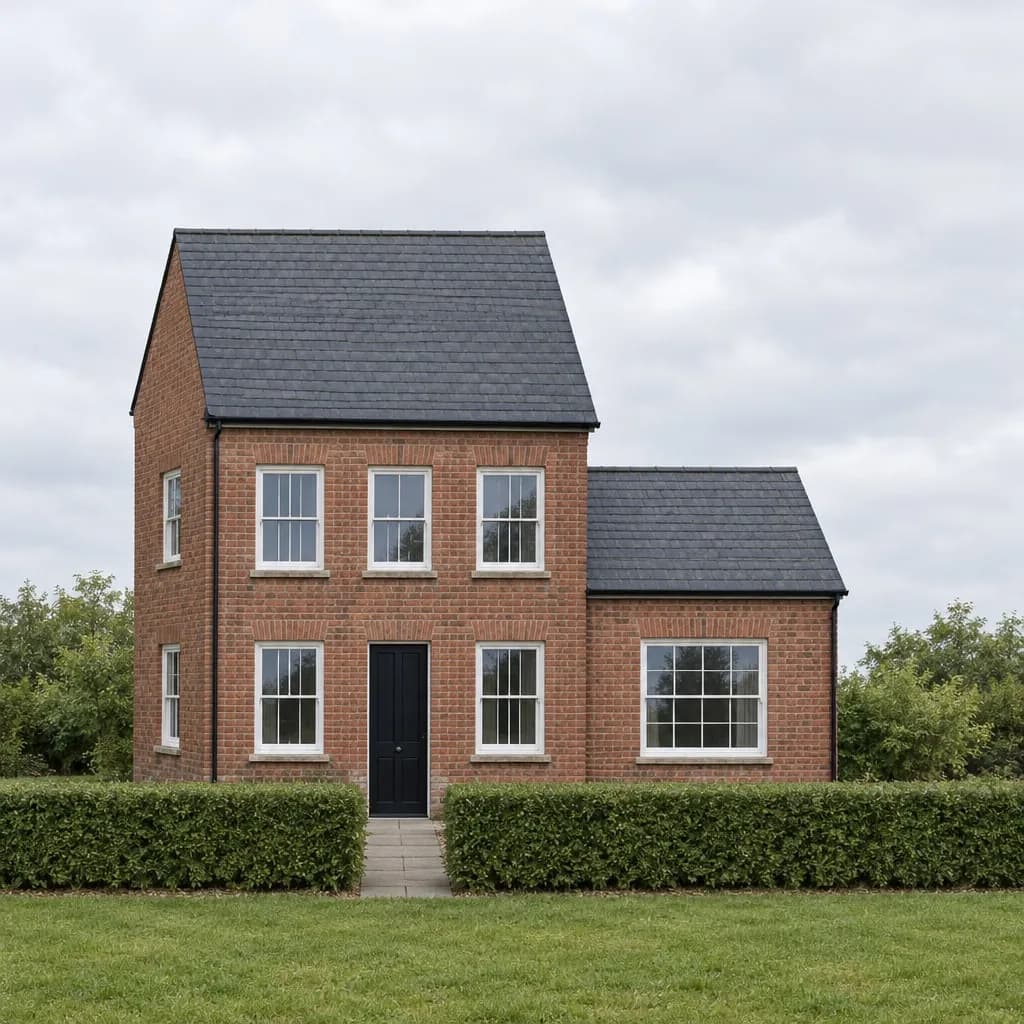 Render
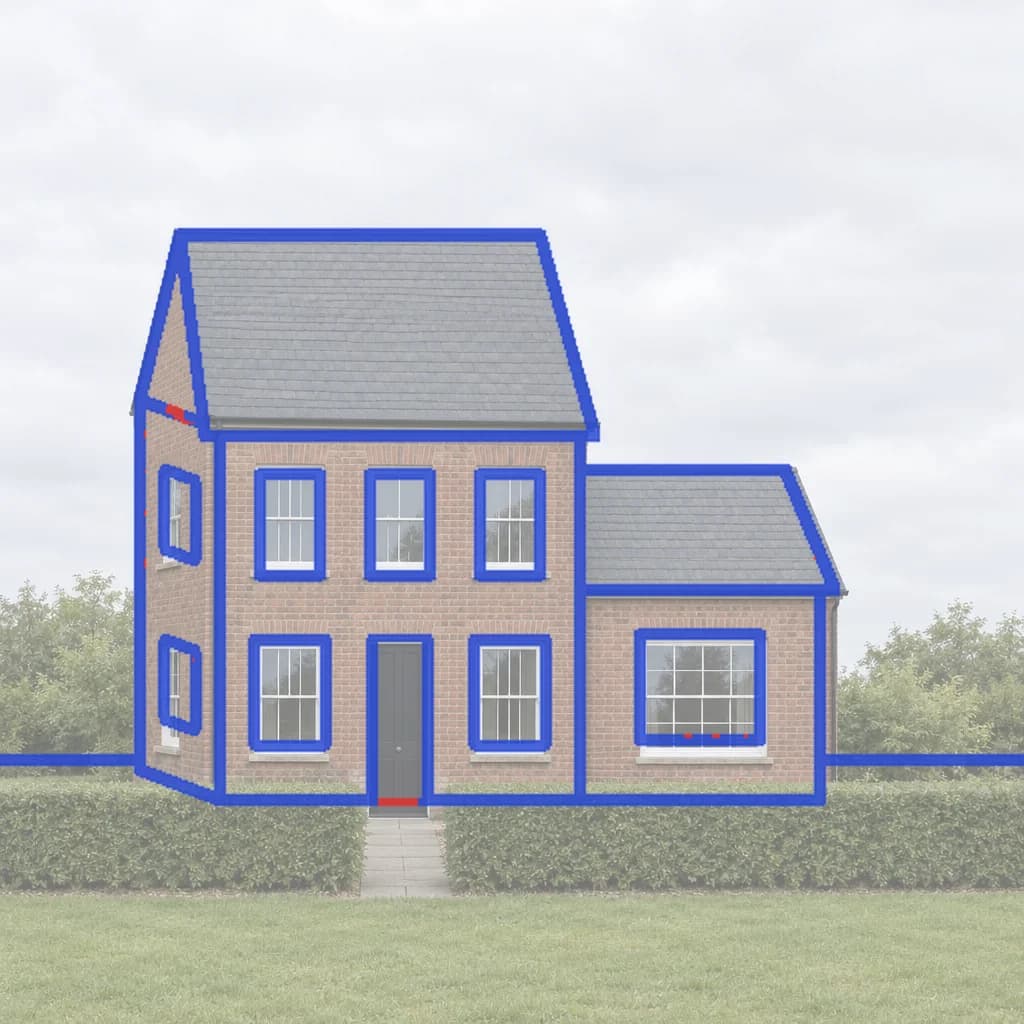 Line check
Side by side
- Free to try
- Inkfinish: 3 renders with a Google sign-in, watermarked
- ReRender AI: 3 renders a day, watermarked, standard quality, non-commercial
- Paid plans
- Inkfinish: Standard $15/month (160 renders), Pro $45/month (600 renders); credit packs from $19, no subscription
- ReRender AI: $45/month or $450/year, unlimited renders
- What you start from
- Inkfinish: A hand sketch, a photo, a screenshot of any design tool, or a 3D model file
- ReRender AI: A 3D model screenshot, a sketch, plans and elevations
- Change one part only
- Inkfinish: Yes: brush over the part and say what it becomes (Change just this)
- ReRender AI: An image editor is listed; how it works is not described
- Shows what it kept from your design
- Inkfinish: Yes: a lines-kept score and an overlay of the sketch lines it kept and lost
- ReRender AI: Not listed on their site
- Listing photos in a batch
- Inkfinish: Yes: up to 20 photos at once (stage, empty, dusk or blue sky), with labelled copies
- ReRender AI: Not listed on their site
- Video
- Inkfinish: No
- ReRender AI: Video generation credits on the paid plan
- Plugins and API
- Inkfinish: No plugins or public API; works in the browser
- ReRender AI: API; SketchUp plugin support on the paid plan
ReRender AI’s facts are from its own site, checked in October 2026. Prices and features change; follow the sources below for today’s.
Which to choose
Where ReRender AI is stronger
Best for architects who render a lot every month and want one flat price for unlimited renders.
- Unlimited renders on its paid plan, so heavy users never count credits.
- Moodboards and a style reference image to steer materials.
- Colouring for plans, elevations and 3D views in watercolour, marker or realistic materials.
- An API, and SketchUp plugin support on the paid plan.
When Inkfinish fits better
- You want to see how much of your sketch the render kept before you show it to a client.
- You change one part at a time (a door, a sofa) rather than re-rendering the whole image.
- You render now and then: Inkfinish's Standard plan is $15 a month, and packs need no subscription.
- You also edit listing photos: staging, emptying rooms, dusk and blue sky, in batches.
Try Inkfinish on your own design
Sign in with a Google account and your first 3 renders are free. Free renders carry a watermark.
Questions
Is ReRender AI free?
3 renders a day, watermarked, standard quality, non-commercial, as its site listed in October 2026.
How much does ReRender AI cost?
$45/month or $450/year, unlimited renders. Prices change, so check its own pricing page.
Is Inkfinish free?
Sign in with a Google account and your first 3 renders are free. Free renders carry a watermark; paid plans and packs remove it.
Should I choose ReRender AI or Inkfinish?
ReRender AI suits architects who render a lot every month and want one flat price for unlimited renders. Inkfinish suits you if you want to see how much of your sketch the render kept before you show it to a client.