Inkfinish vs Vizcom
Vizcom: an AI design tool for product, footwear and automotive designers: sketch to render, live rendering, new views, and 3D models from sketches, with team workspaces. Inkfinish turns a sketch, photo or model into a photoreal render, shows how much of your design it kept, and edits listing photos in batches. Here is how they compare, fairly, with every source linked.
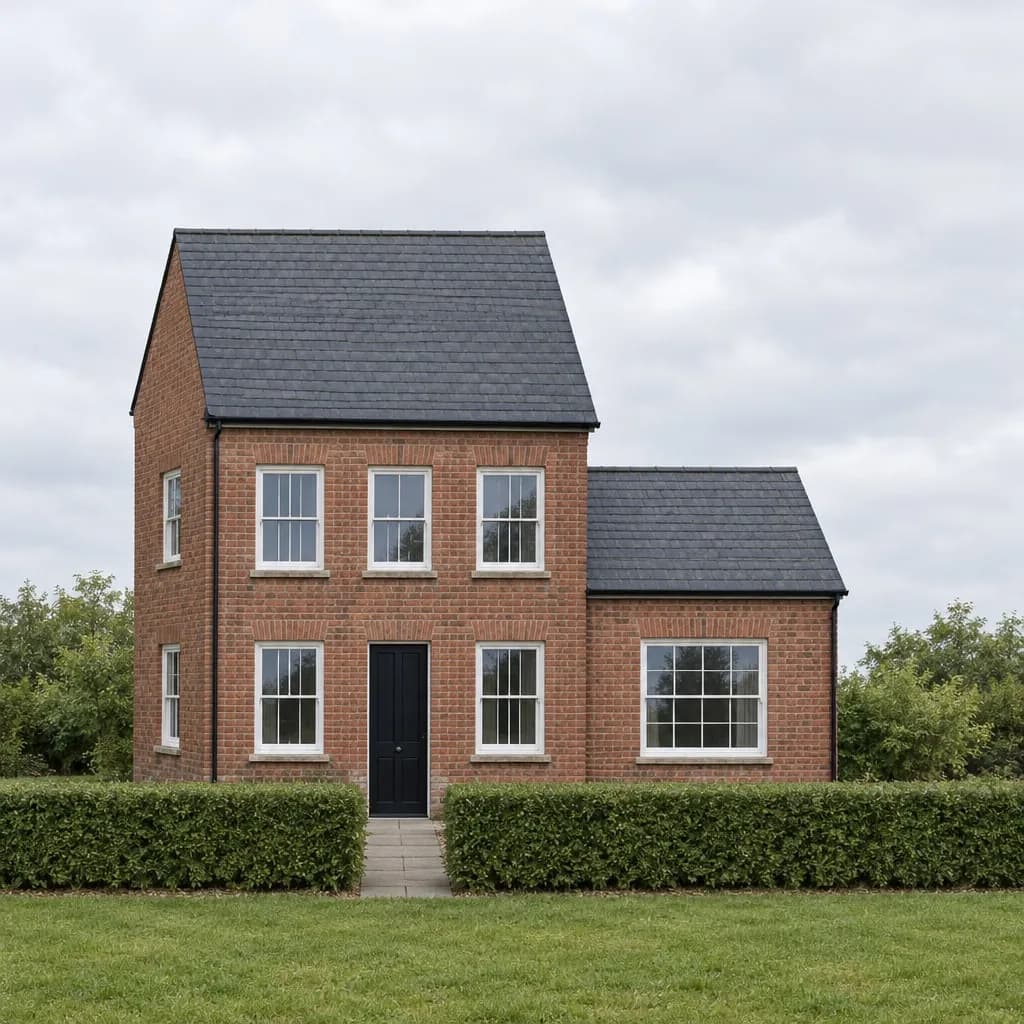 Render
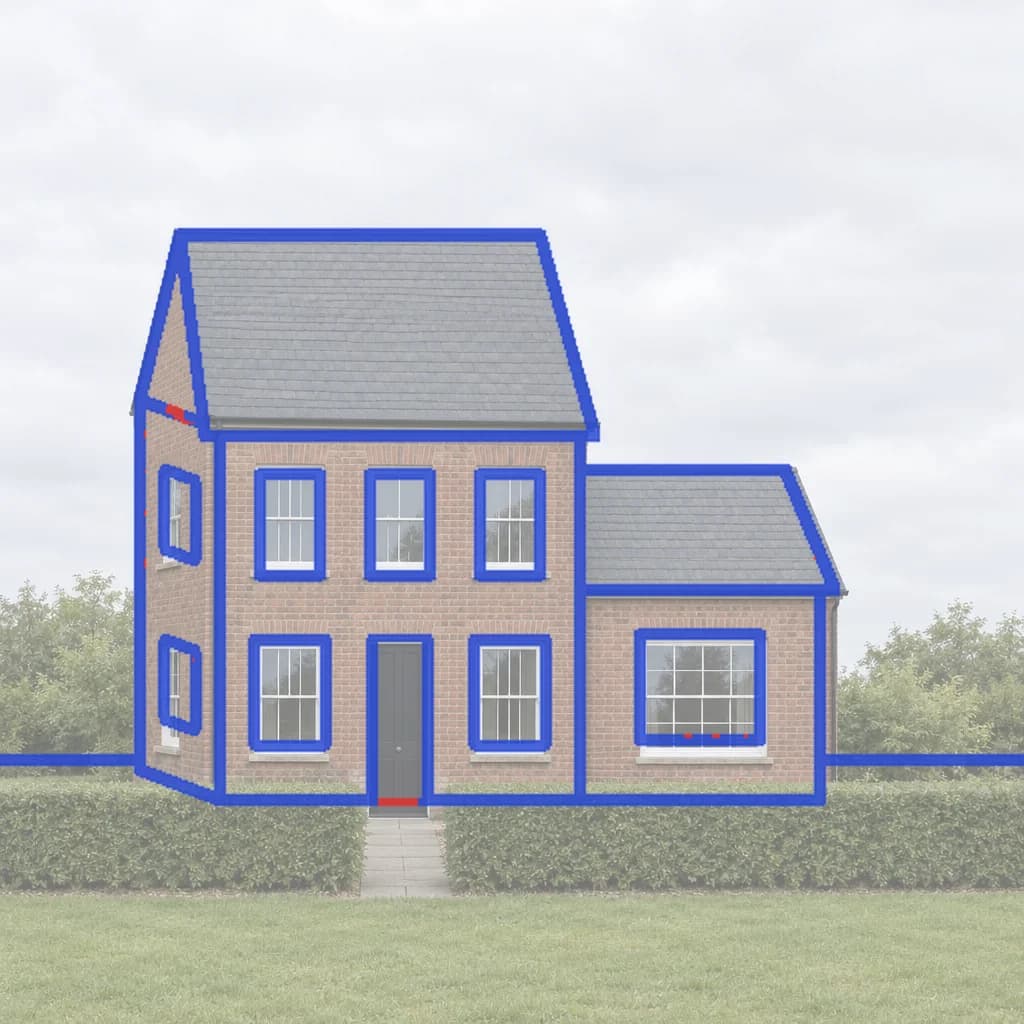 Line check
Side by side
- Free to try
- Inkfinish: 3 renders with a Google sign-in, watermarked
- Vizcom: Starter: 800 credits a month (about 200 images)
- Paid plans
- Inkfinish: Standard $15/month (160 renders), Pro $45/month (600 renders); credit packs from $19, no subscription
- Vizcom: Professional $49 per user/month; 30% off yearly; Enterprise on request
- What you start from
- Inkfinish: A hand sketch, a photo, a screenshot of any design tool, or a 3D model file
- Vizcom: Sketches and images
- Change one part only
- Inkfinish: Yes: brush over the part and say what it becomes (Change just this)
- Vizcom: Yes, with prompt edits
- Shows what it kept from your design
- Inkfinish: Yes: a lines-kept score and an overlay of the sketch lines it kept and lost
- Vizcom: Not listed on their site
- Listing photos in a batch
- Inkfinish: Yes: up to 20 photos at once (stage, empty, dusk or blue sky), with labelled copies
- Vizcom: Not listed on their site
- Video
- Inkfinish: No
- Vizcom: Yes: animations
- Plugins and API
- Inkfinish: No plugins or public API; works in the browser
- Vizcom: Team workspace; SSO on Enterprise
Vizcom’s facts are from its own site, checked in October 2026. Prices and features change; follow the sources below for today’s.
Which to choose
Where Vizcom is stronger
Best for industrial and product designers, and teams that need 3D models from their sketches.
- Turns sketches into 3D models you can export.
- Live Render as you draw.
- A free Starter plan with 800 credits a month, and free education plans.
- Enterprise controls: SSO, audit logs and central billing.
When Inkfinish fits better
- You design buildings and interiors, which Inkfinish's subjects are tuned for.
- You want a lower paid price: Inkfinish Standard is $15 a month against $49 per user.
- You edit real estate listing photos in batches.
Try Inkfinish on your own design
Sign in with a Google account and your first 3 renders are free. Free renders carry a watermark.
Questions
Is Vizcom free?
Starter: 800 credits a month (about 200 images), as its site listed in October 2026.
How much does Vizcom cost?
Professional $49 per user/month; 30% off yearly; Enterprise on request. Prices change, so check its own pricing page.
Is Inkfinish free?
Sign in with a Google account and your first 3 renders are free. Free renders carry a watermark; paid plans and packs remove it.
Should I choose Vizcom or Inkfinish?
Vizcom suits industrial and product designers, and teams that need 3D models from their sketches. Inkfinish suits you if you design buildings and interiors, which Inkfinish's subjects are tuned for.