Inkfinish vs Veras
Veras: chaos's AI renderer that works inside Revit, SketchUp, Rhino, Archicad, Vectorworks, Forma and Allplan, turning models or sketches into images, video and even editable 3D scenes. Inkfinish turns a sketch, photo or model into a photoreal render, shows how much of your design it kept, and edits listing photos in batches. Here is how they compare, fairly, with every source linked.
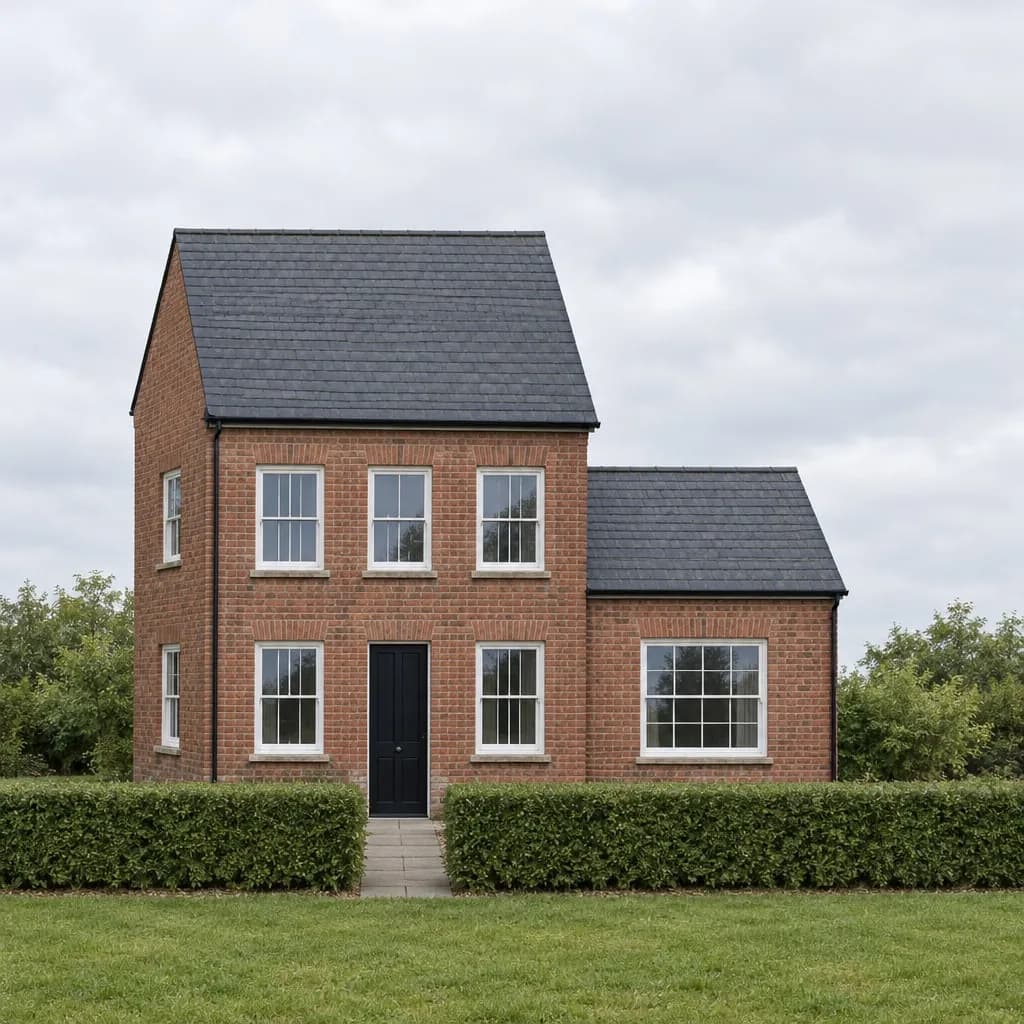 Render
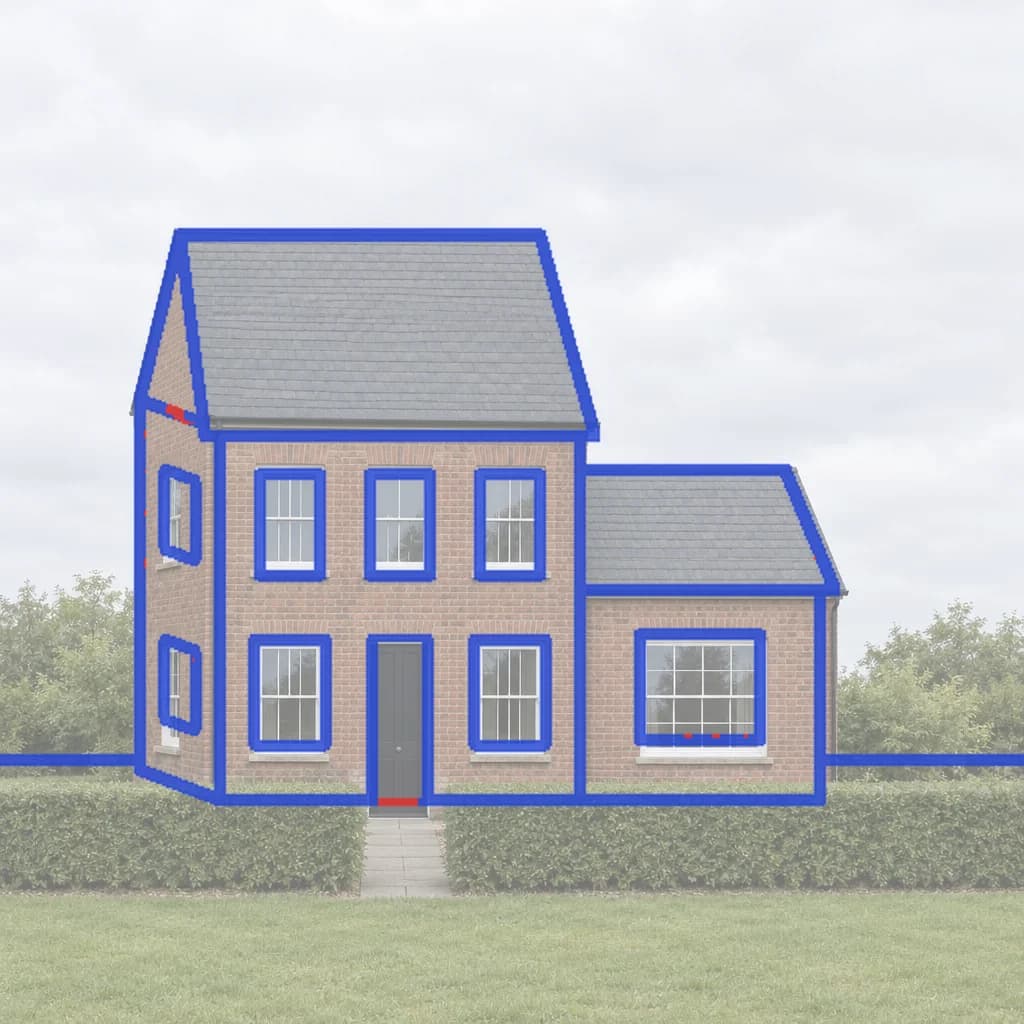 Line check
Side by side
- Free to try
- Inkfinish: 3 renders with a Google sign-in, watermarked
- Veras: 14-day free trial
- Paid plans
- Inkfinish: Standard $15/month (160 renders), Pro $45/month (600 renders); credit packs from $19, no subscription
- Veras: Yearly licences; Starter $202.80/year and Pro $348/year as listed
- What you start from
- Inkfinish: A hand sketch, a photo, a screenshot of any design tool, or a 3D model file
- Veras: Your model in a supported tool, a sketch or an image
- Change one part only
- Inkfinish: Yes: brush over the part and say what it becomes (Change just this)
- Veras: Yes, within the chosen geometry and materials
- Shows what it kept from your design
- Inkfinish: Yes: a lines-kept score and an overlay of the sketch lines it kept and lost
- Veras: Not listed on their site
- Listing photos in a batch
- Inkfinish: Yes: up to 20 photos at once (stage, empty, dusk or blue sky), with labelled copies
- Veras: Not listed on their site
- Video
- Inkfinish: No
- Veras: Yes: image to video
- Plugins and API
- Inkfinish: No plugins or public API; works in the browser
- Veras: Revit, SketchUp, Rhino, Archicad, Vectorworks, Forma, Allplan
Veras’s facts are from its own site, checked in October 2026. Prices and features change; follow the sources below for today’s.
Which to choose
Where Veras is stronger
Best for BIM teams who want AI renders without leaving Revit, SketchUp or Rhino.
- Works inside seven modelling tools, and alongside Enscape, V-Ray and Corona.
- Turns sketches and images into editable 3D scenes.
- Image to video.
When Inkfinish fits better
- You want to start from a hand sketch or a photo in the browser, with nothing to install.
- You want to pay monthly, or once with a pack, instead of a yearly licence.
- You want a score for how much of your sketch each render kept.
Try Inkfinish on your own design
Sign in with a Google account and your first 3 renders are free. Free renders carry a watermark.
Questions
Is Veras free?
14-day free trial, as its site listed in October 2026.
How much does Veras cost?
Yearly licences; Starter $202.80/year and Pro $348/year as listed. Prices change, so check its own pricing page.
Is Inkfinish free?
Sign in with a Google account and your first 3 renders are free. Free renders carry a watermark; paid plans and packs remove it.
Should I choose Veras or Inkfinish?
Veras suits BIM teams who want AI renders without leaving Revit, SketchUp or Rhino. Inkfinish suits you if you want to start from a hand sketch or a photo in the browser, with nothing to install.