Empty the room
Take everything out.Keep the room.
Upload a photo of a furnished or cluttered room. Inkfinish removes the furniture, rugs and clutter, fills in the floor and walls behind them, and keeps the room as photographed, in about 20 seconds.
Sign in with a Google account and your first 3 renders are free.
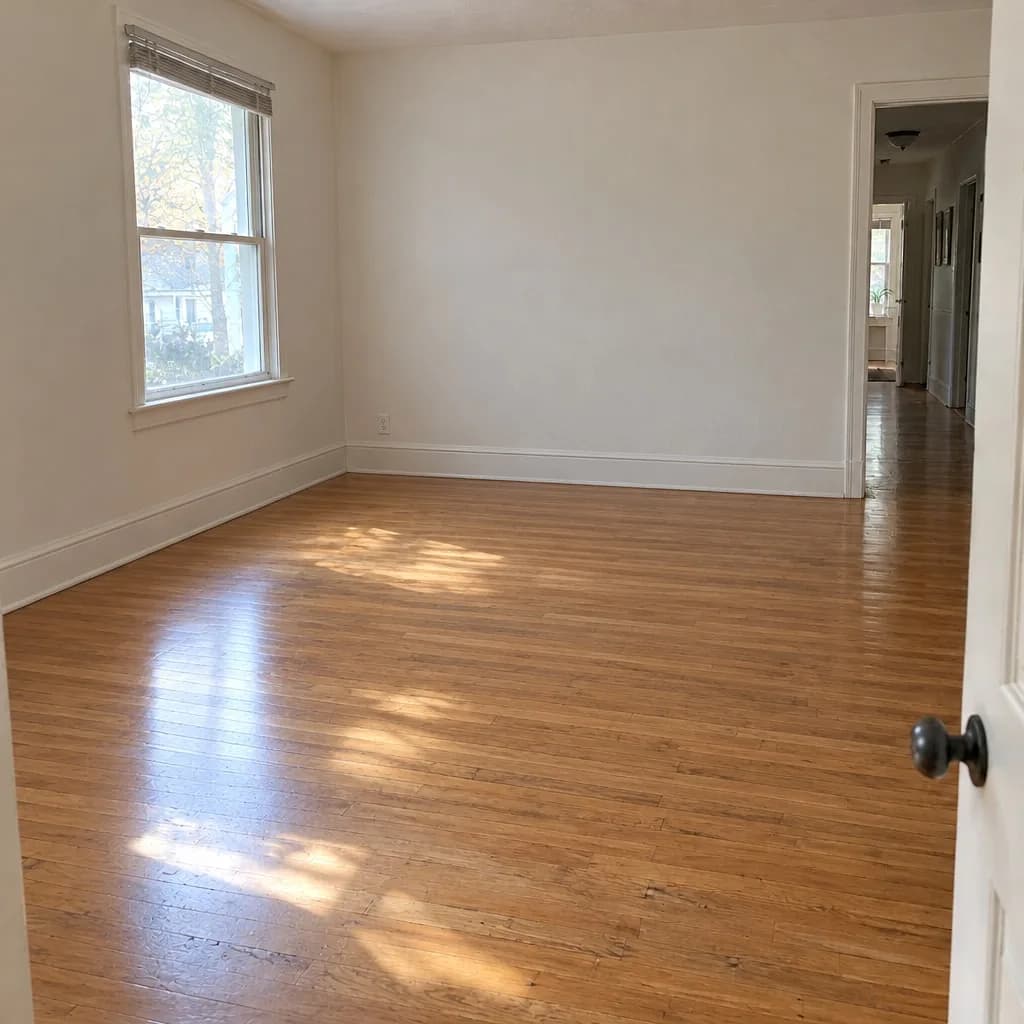 Emptied
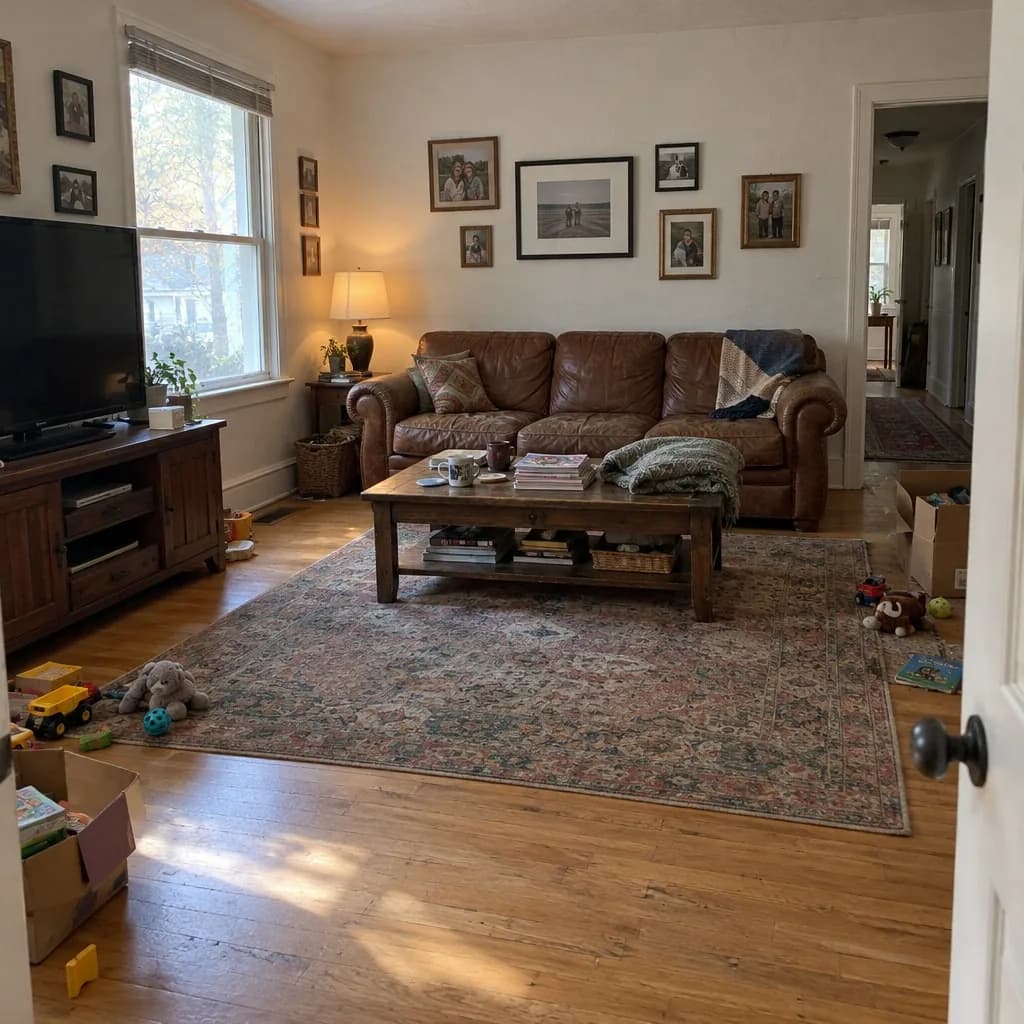 Lived-in
How it works
1
Upload a photo of the room as it is, furniture and all.
2
Ask for the room to be emptied, or pick Empty the rooms in a listing batch.
3
The empty room arrives in about 20 seconds. Stage it next, or use it as is.
Why it helps
A clean start for staging
Staging over someone's old furniture looks wrong. Empty the room first, then stage it in the style you choose.
Walls, floor and windows kept
The words forbid moving any wall, window or door, and the slider shows you the two side by side.
Every photo of a listing
With paid credits, a listing batch empties up to 20 photos together and labels each copy “Virtually edited”.
Questions
Can I stage the room after emptying it?
Yes. Each result is a new version, so send the next message to stage it, or open the empty version in a listing batch and pick a style.
What does it cost?
A render costs 5 credits. Sign in with a Google account and your first 3 renders are free. Free renders carry a watermark; plans and packs remove it.
Do I have to disclose an emptied photo?
Listing rules usually treat it like virtual staging: say it was edited and keep the original available. Check your MLS's rules; a listing batch labels each copy and keeps the original beside it.