Blue sky
Grey sky out,blue sky in.
Upload an exterior photo taken on a dull day. Inkfinish replaces the sky with a clear blue one, matches the daylight on the house to it, and keeps the house as photographed, in about 20 seconds.
Sign in with a Google account and your first 3 renders are free.
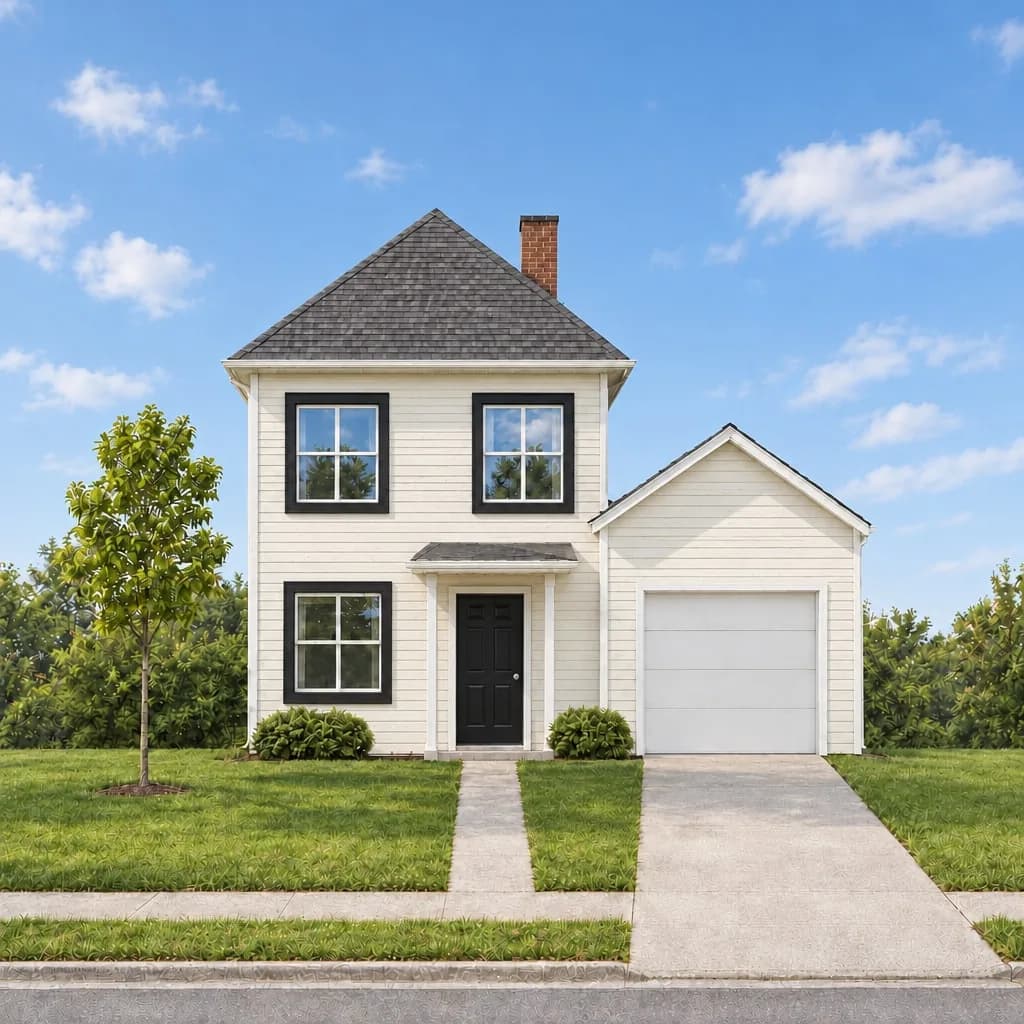 Blue sky
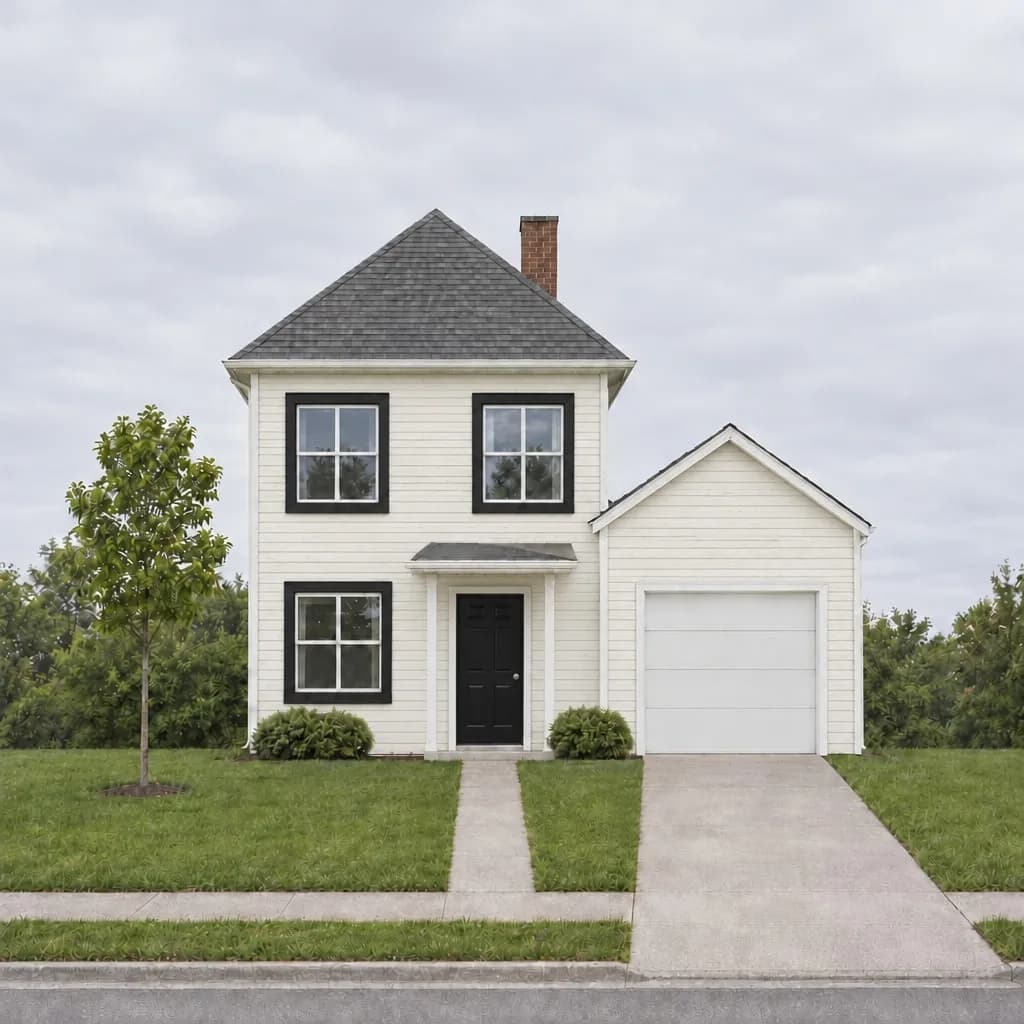 Overcast
How it works
1
Upload an exterior photo taken under a grey or washed-out sky.
2
Ask for a blue sky in a sentence, or pick Blue sky in a listing batch.
3
The new version arrives in about 20 seconds, with your original kept beside it.
Why it helps
Light that matches
A pasted-in sky over a grey-lit house looks wrong. This relights the house to suit the new sky.
Check before you post
Drag the slider over the photo to compare every edge with the original, and change one part with Change just this if something moved.
A whole listing at once
With paid credits, a listing batch replaces the sky in up to 20 photos together and labels each copy “Sky replaced”.
Questions
Does it change the house?
It is asked not to: the words say to keep the house, roof, windows, door and garden exactly the same. Matching the light can brighten grass and trees, so compare the two before you post.
What does it cost?
A render costs 5 credits. Sign in with a Google account and your first 3 renders are free. Free renders carry a watermark; plans and packs remove it.
Can I do a whole listing?
Yes, with paid credits from a pack or a plan: a listing batch takes up to 20 photos and downloads every original beside its labelled copy.